Games
YoloMouse - Game Cursor Changer
Use YoloMouse to change those obscure game cursors. Never lose your cursor in a heated battle again!
About
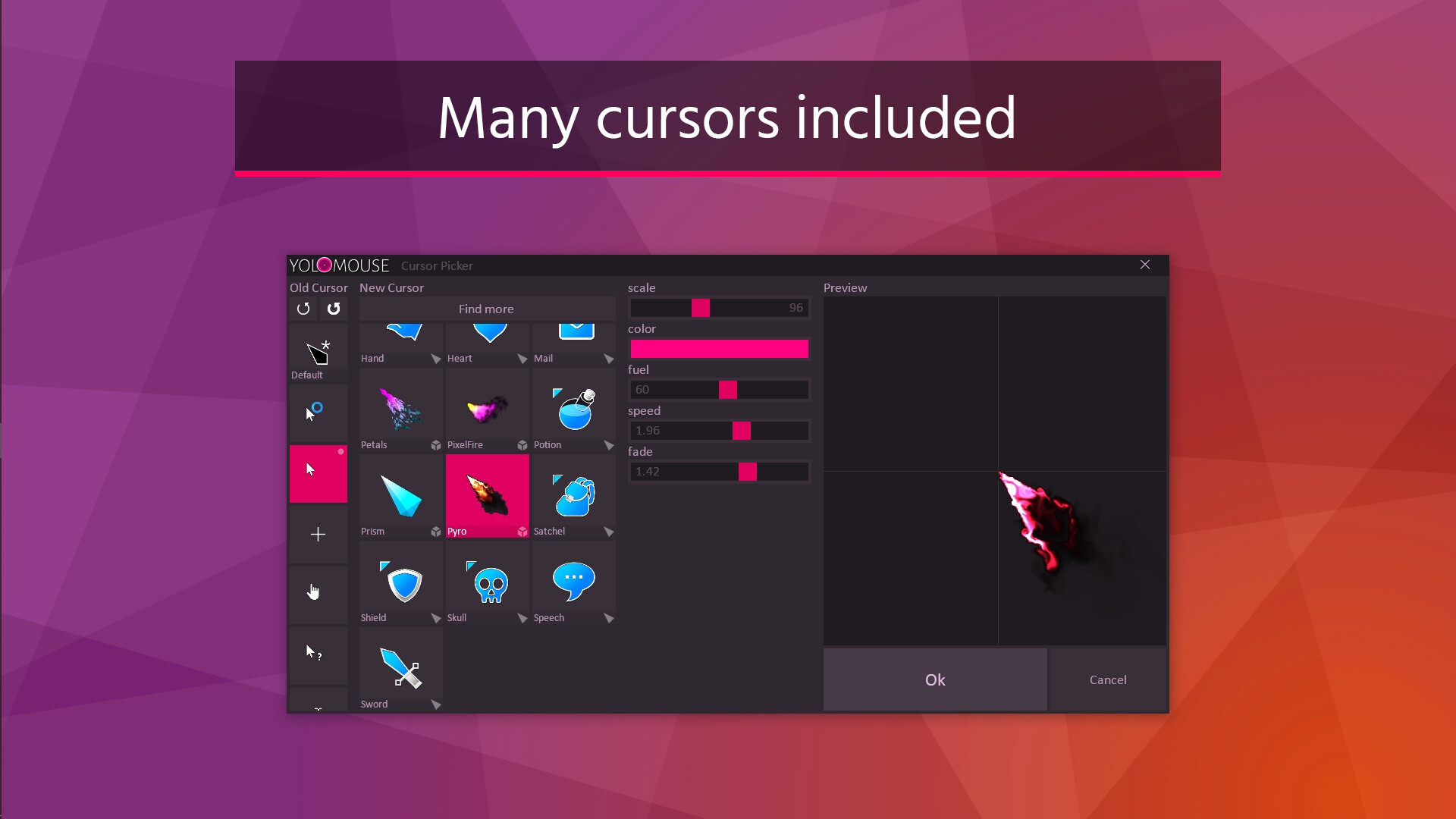
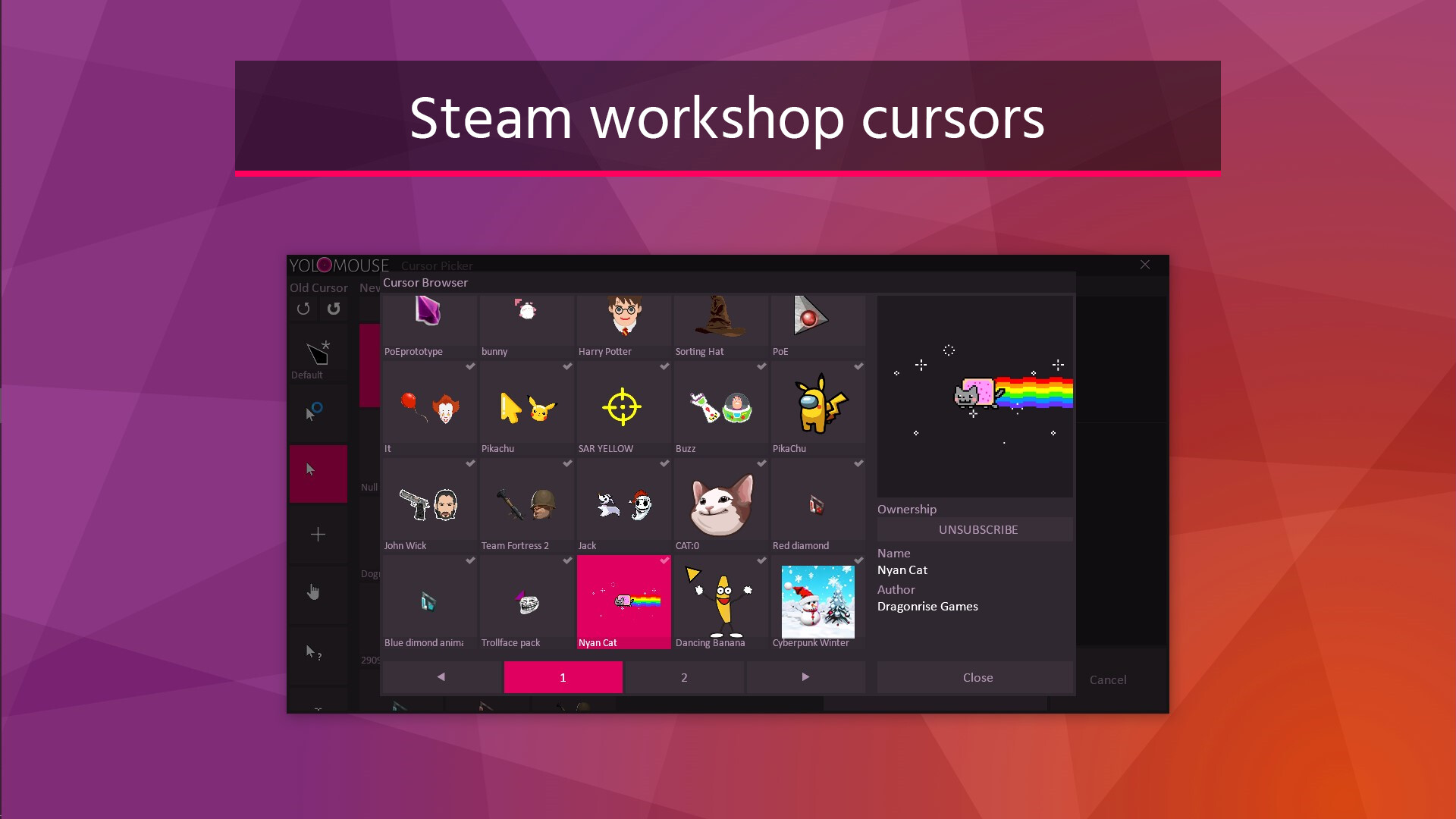
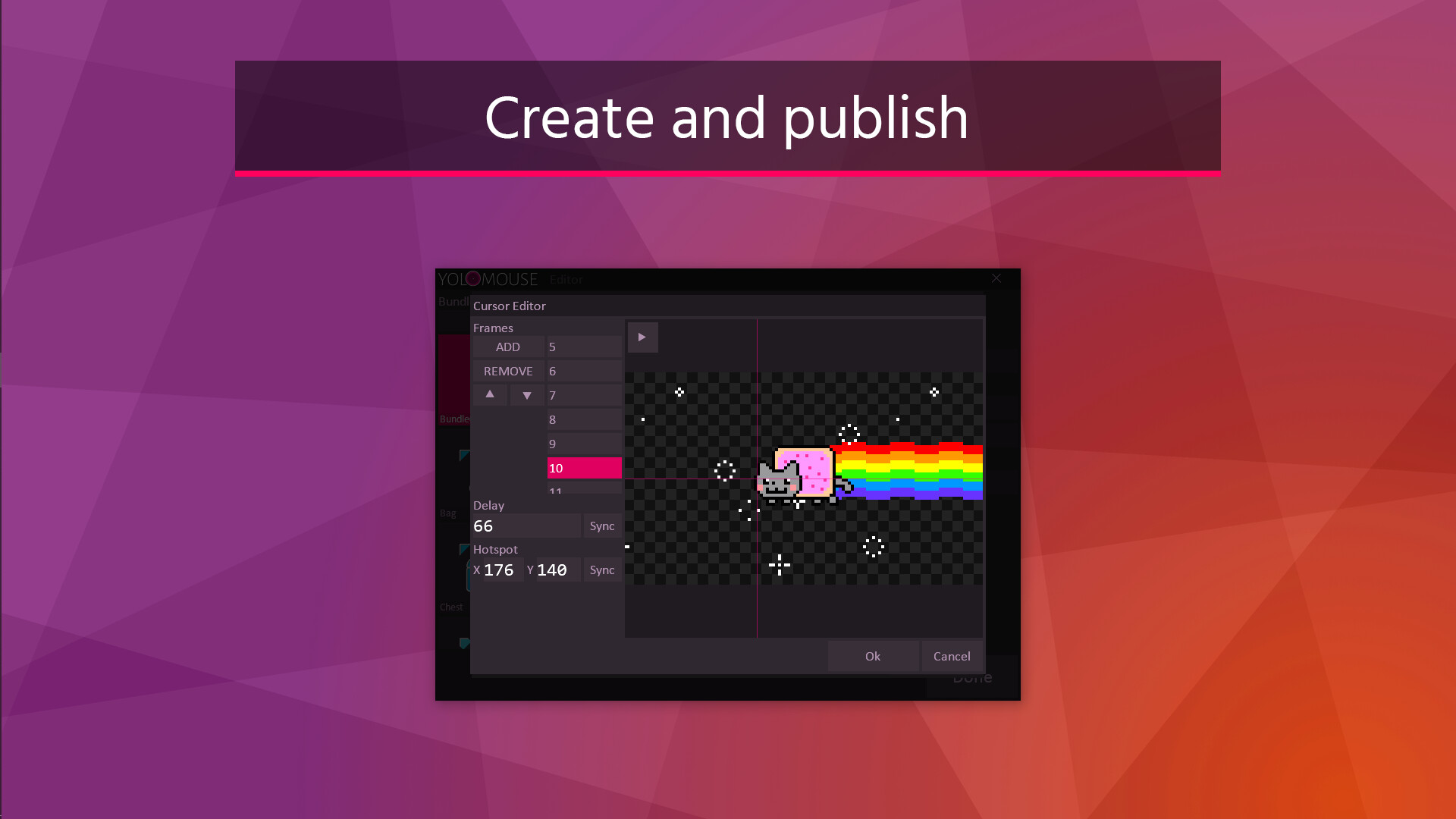
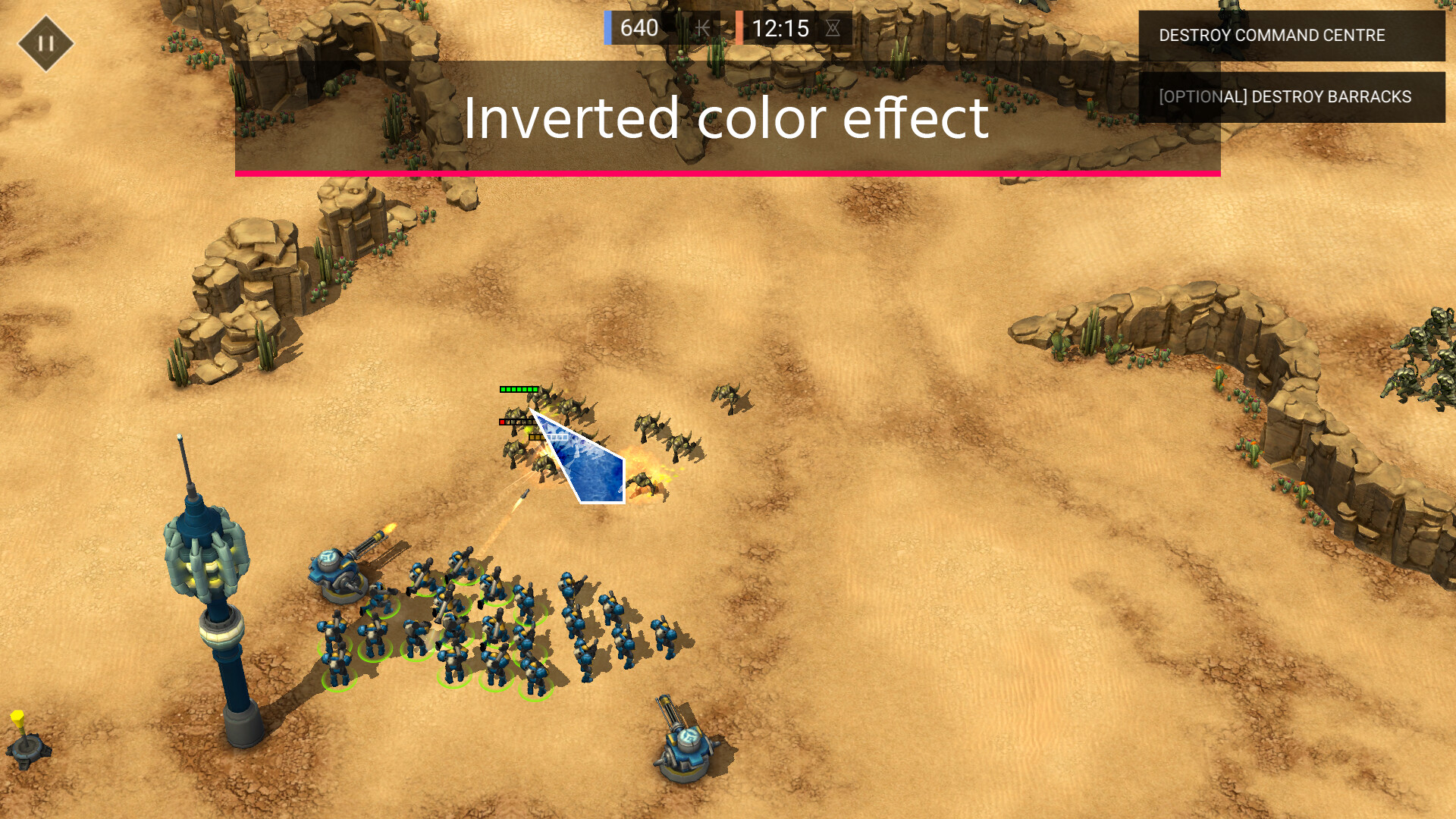
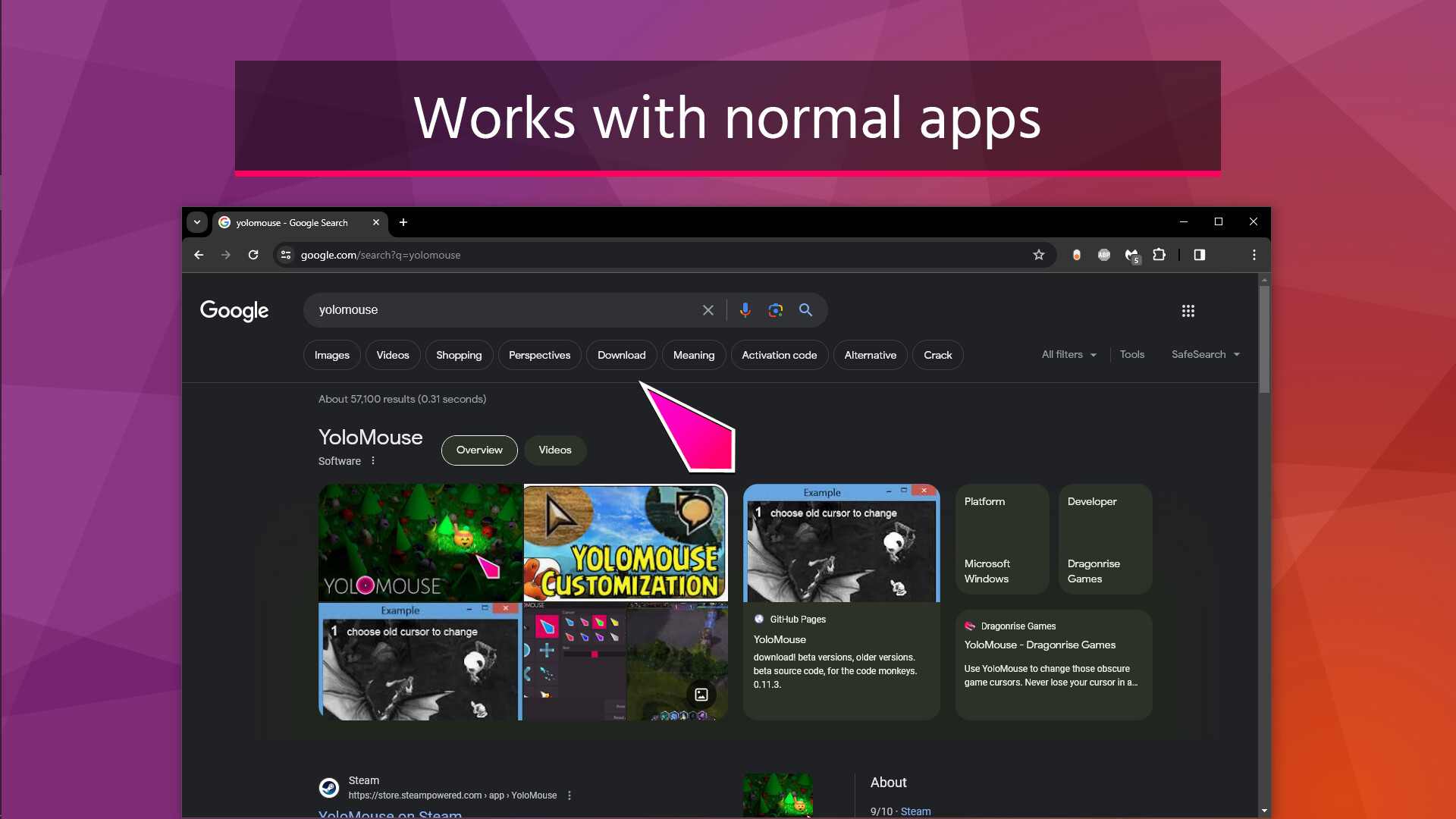
Use YoloMouse to change those obscure game cursors. Never lose your cursor in a heated battle again! Great for MOBA, MMO, RPG, ActionRPG, and any mouse based games. Features Includes 22 basic cursors and 4 3D overlay cursors Many more cursors found on Steam Workshop Many colors, and more per cursor, including inverse color. Cursors are resizable, including the original game cursor. Works with any game. Not limited to Steam games. Works with Windows and apps. Effect options including Zoom, Scope, and Halo. Mirror option for left handed users Cursor editor. Publish to Steam Workshop from here. Code signed for anticheat whitelisting Multimonitor support No impact on performance Jiggle physics! Instructions Locate a game cursor you wish to change and hit CTRL ALT C to open a cursor selection UI. Use this to change the cursor, size, and color. TIP: To make all cursors visible quickly, choose the special 'default' cursor and increase the size. Not a cheat Yolomouse works similar to other accessibility tools. It is not a cheat and doesn't change the game or app. It is also routinely playtested against major titles to verify safety. However, its still important to verify it does not violate your game's ToS before use.
Developer
Dragonrise Games
Publisher
Dragonrise Games
Genres
Animation & Modeling, Education, Design & Illustration, Utilities, Software Training
Categories
Steam Workshop, Includes level editor, Adjustable Difficulty, Keyboard Only Option, Playable without Timed Input, Camera Comfort, Save Anytime, Mouse Only Option, Adjustable Text Size, Color Alternatives
Tags
Vectors
Screenshots
About
Audience Clusters
Loading taxonomy...
Audience Discovery
Player communities grouped by game taxonomy. Segments marked Untapped share players but differ in content — audiences you wouldn't find through similar games alone. Lower content similarity = more novel the audience.
Loading audience data...
Similar Games
Loading similar games...