Games
FPS Monitor – hardware in-game & desktop overlays
FPS Monitor tracks your PC's hardware state and displays this information as an overlay in-game or over desktop. Does not require configuration, it works immediately after installation.
About
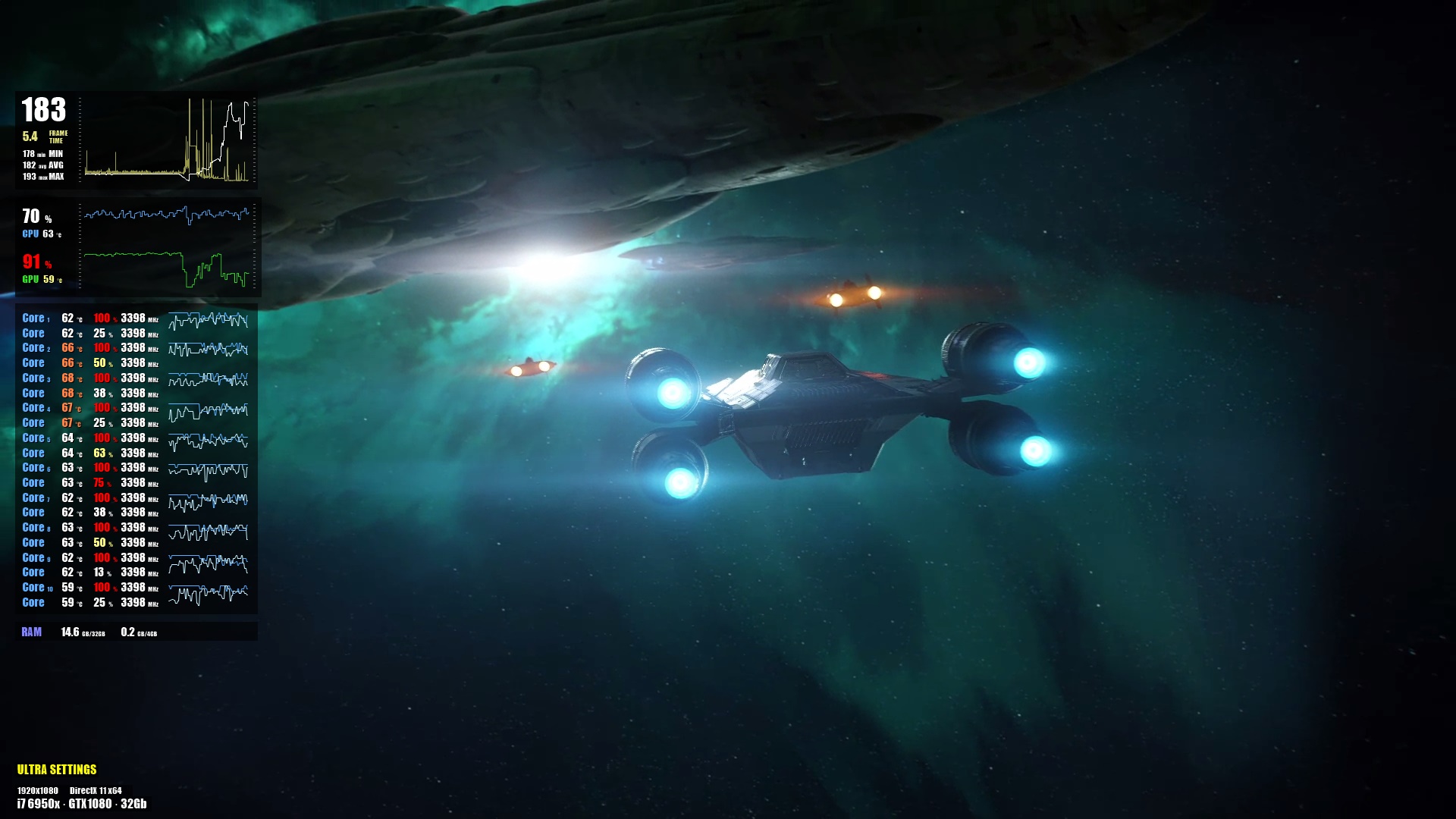
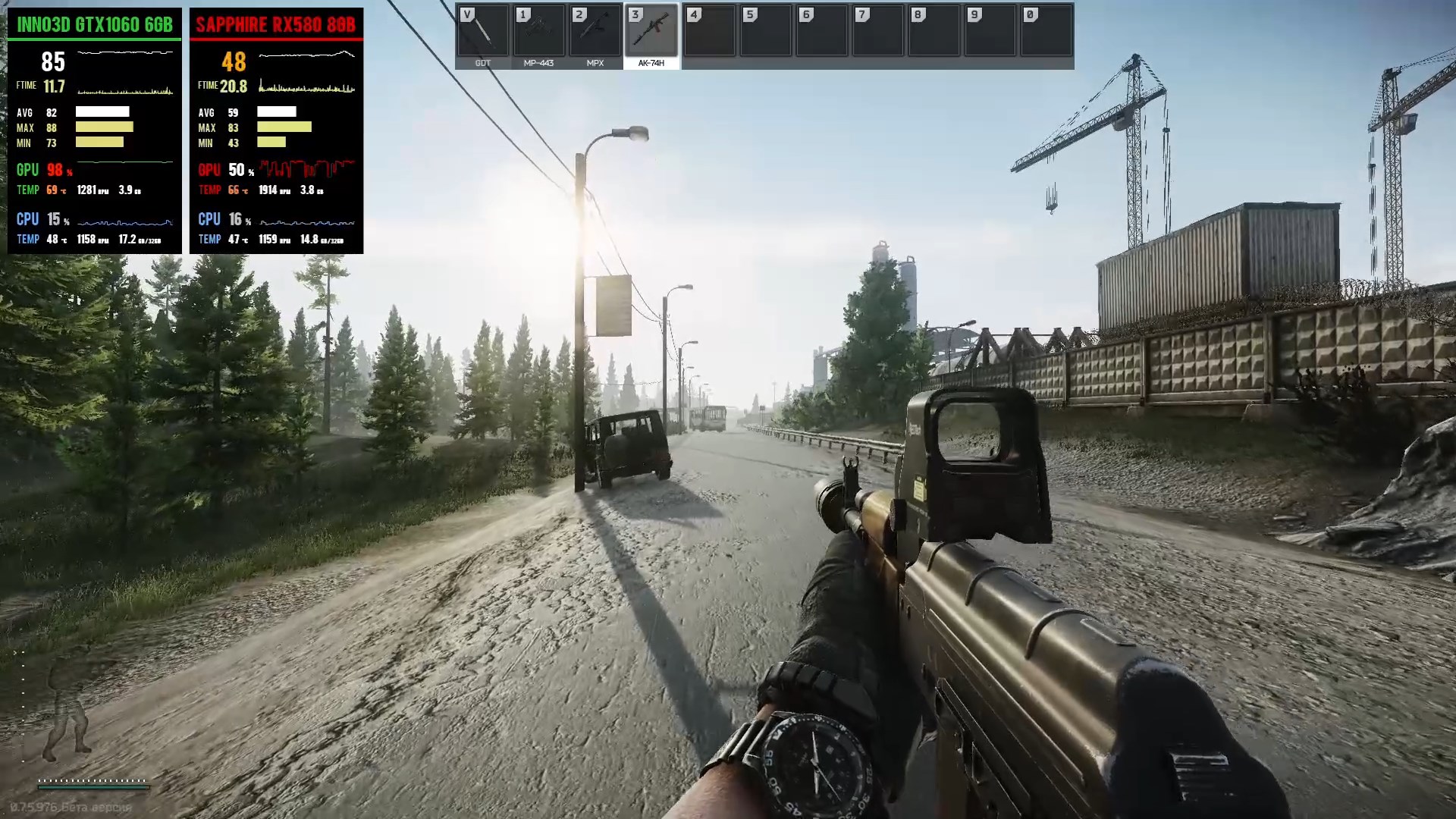
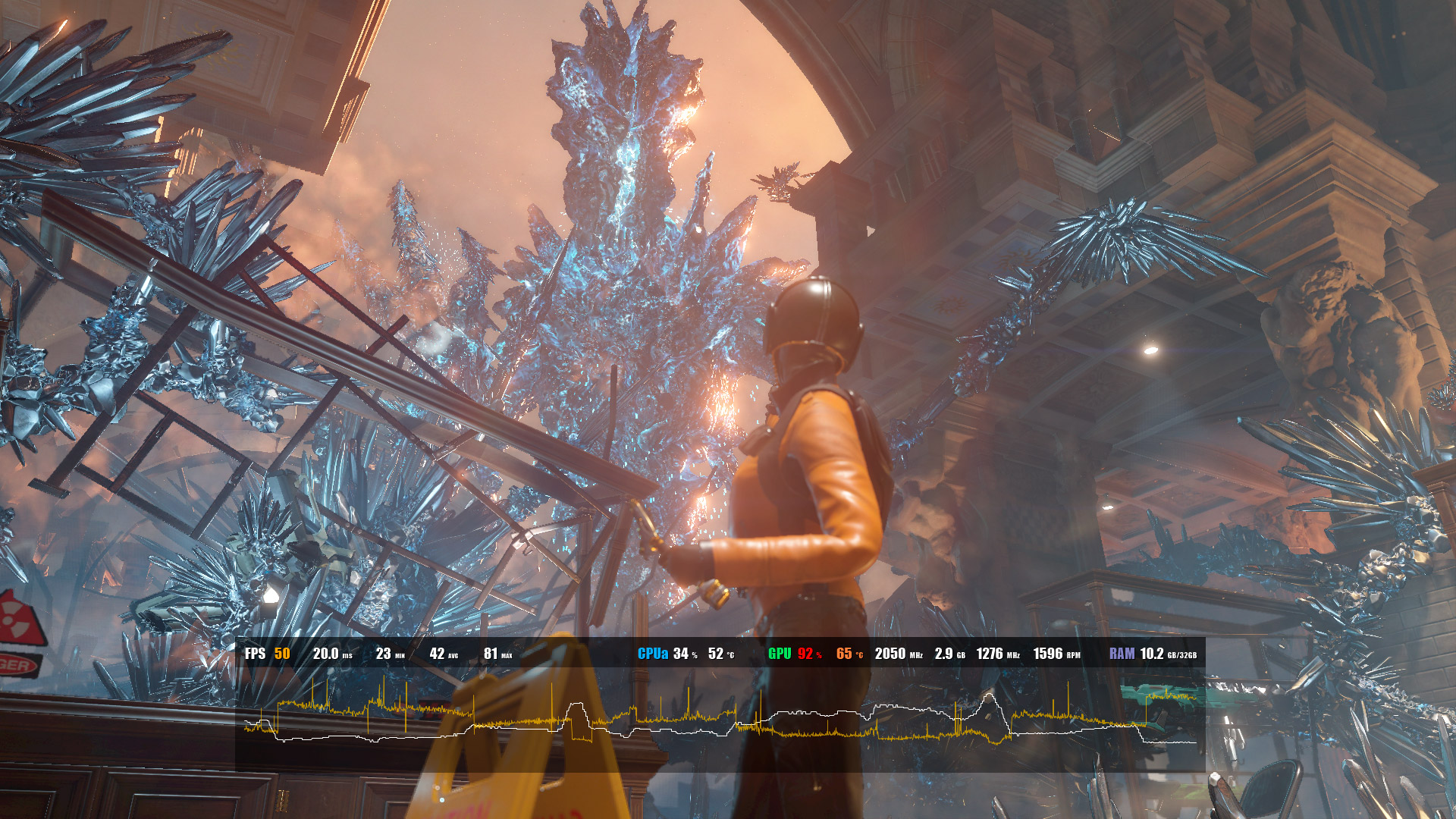
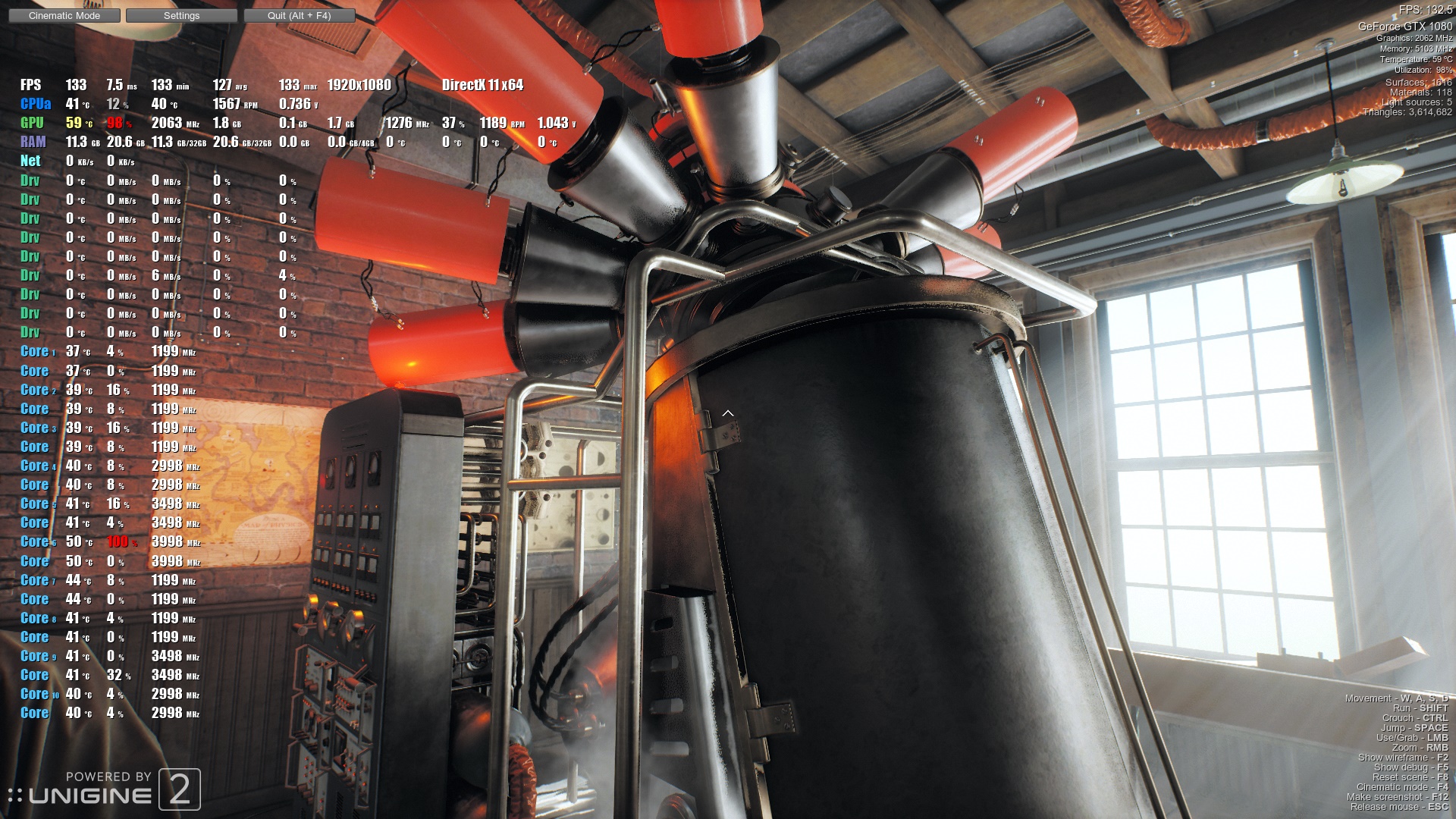
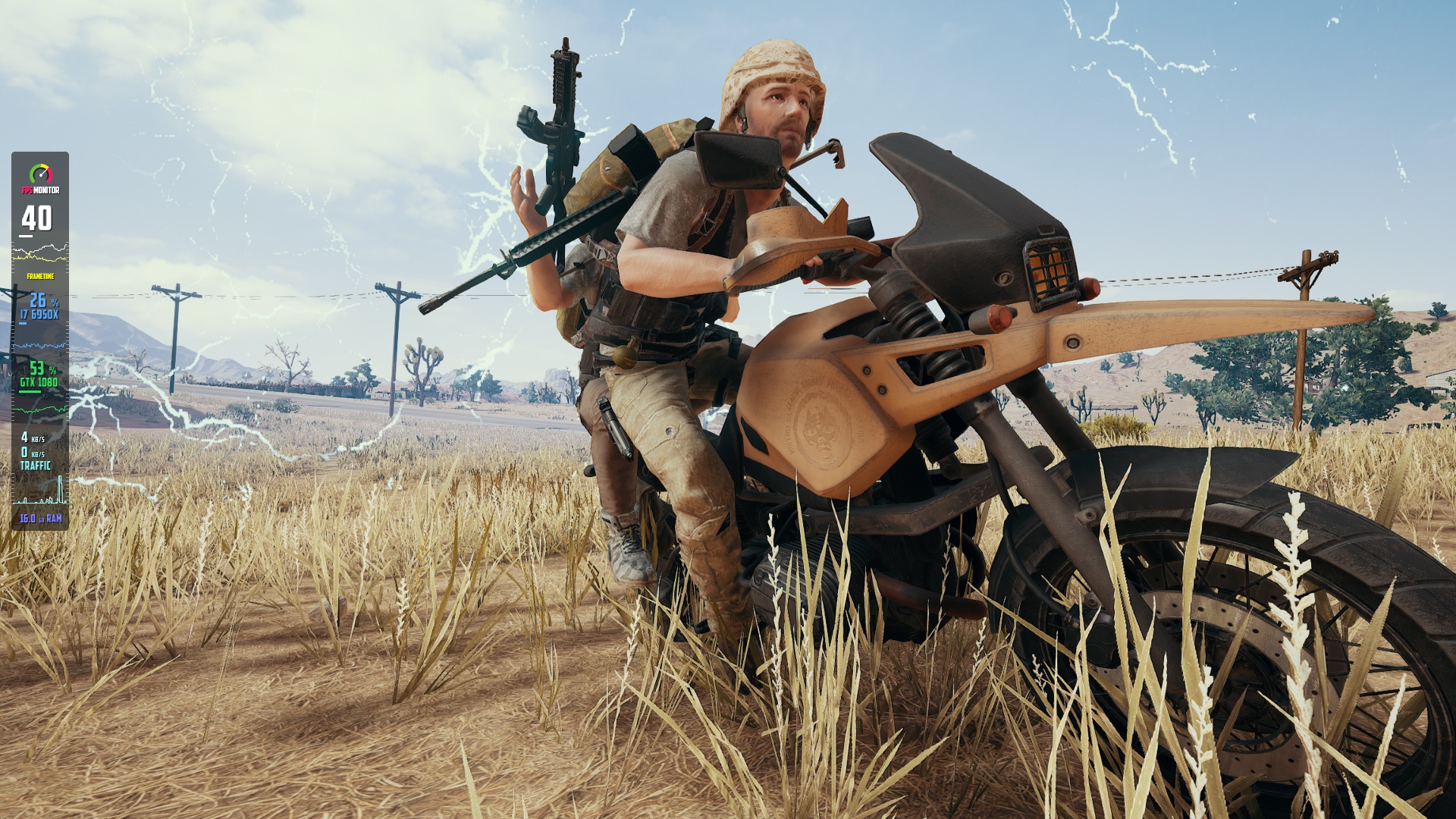
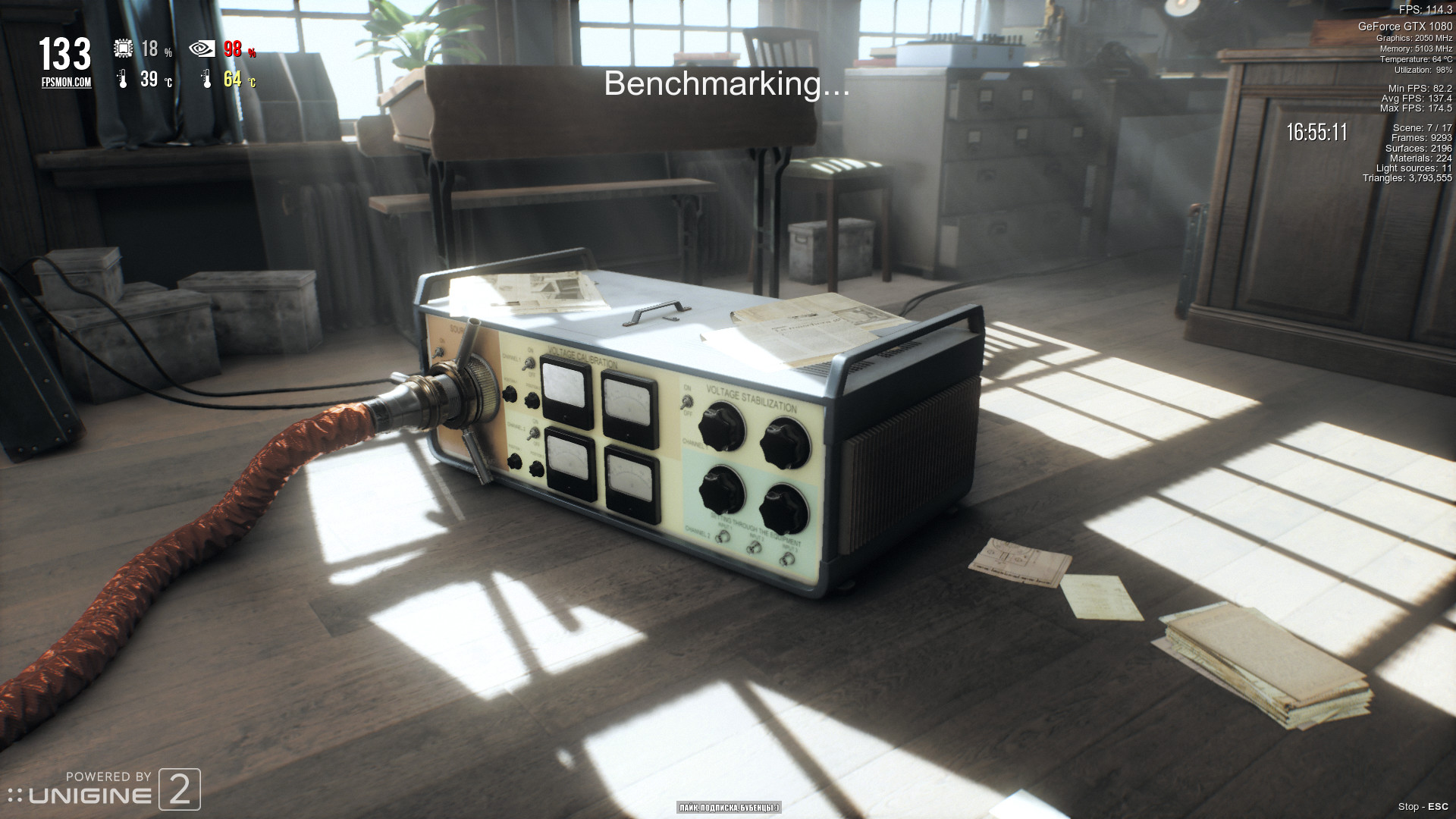
FPS Monitor tracks your PC's hardware state and displays this information as an overlay in-game. You no longer need to switch to desktop or attach a second display to control your hardware status. FPS Monitor will show all valuable information in-game. FPS Monitor is the very first special software tool that not only shows an FPS counter similar to good old Fraps™, but can also display a lot of other parameters. This gives a clear overview of how your hardware is performing while you're gaming. FPS Monitor does not require configuration and displays all the most useful information immediately after installation, as well as has a rich functionality for those who prefer to configure everything as he likes. Core features Supports games based on DirectX 9, 10, 11, 12, OpenGL and Vulkan. Supports rendering to a desktop widget Can show detailed real time information about CPU, GPU, RAM, Network, hard drives, etc. Can show detailed real time information about any other sensor like temperatures, voltages, cooler speeds, etc. Can show realtime hardware information in various graphical form (2D graph as example). Hardware alerts - software will warn you in the overlay when your hardware is running in a dangerous state or close to critical. Of course it can calculate and show actual Frame rate, its min/max/average values, frame time, 0.1%/1% Low FPS values. Convenience You can configure the font, size, style, colors and other rendering options for each sensor value right in the program (WYSIWYG). You can add text, images and filled rectangles and clock in a scene. You can prepare a set of different scenes and switch between them even during playing game. You can take screenshots from games. FPS Lock feature. FPS Monitor is compatible with well known anti-cheats: Valve Anti-Cheat, EasyAntiCheat, PunkBuster, BattlEye and many others.
Developer
Eduard Kozadaev
Publisher
Eduard Kozadaev
Genres
Video Production, Game Development, Utilities, Web Publishing
Tags
Vectors
Screenshots
About
Audience Clusters
Loading taxonomy...
Audience Discovery
Player communities grouped by game taxonomy. Segments marked Untapped share players but differ in content — audiences you wouldn't find through similar games alone. Lower content similarity = more novel the audience.
Loading audience data...
Similar Games
Loading similar games...