Games
Controller Companion
Navigate your PC desktop with a controller! Put mouse, media and keyboard control in the palms of your hands so you'll never have to leave the couch again!
About
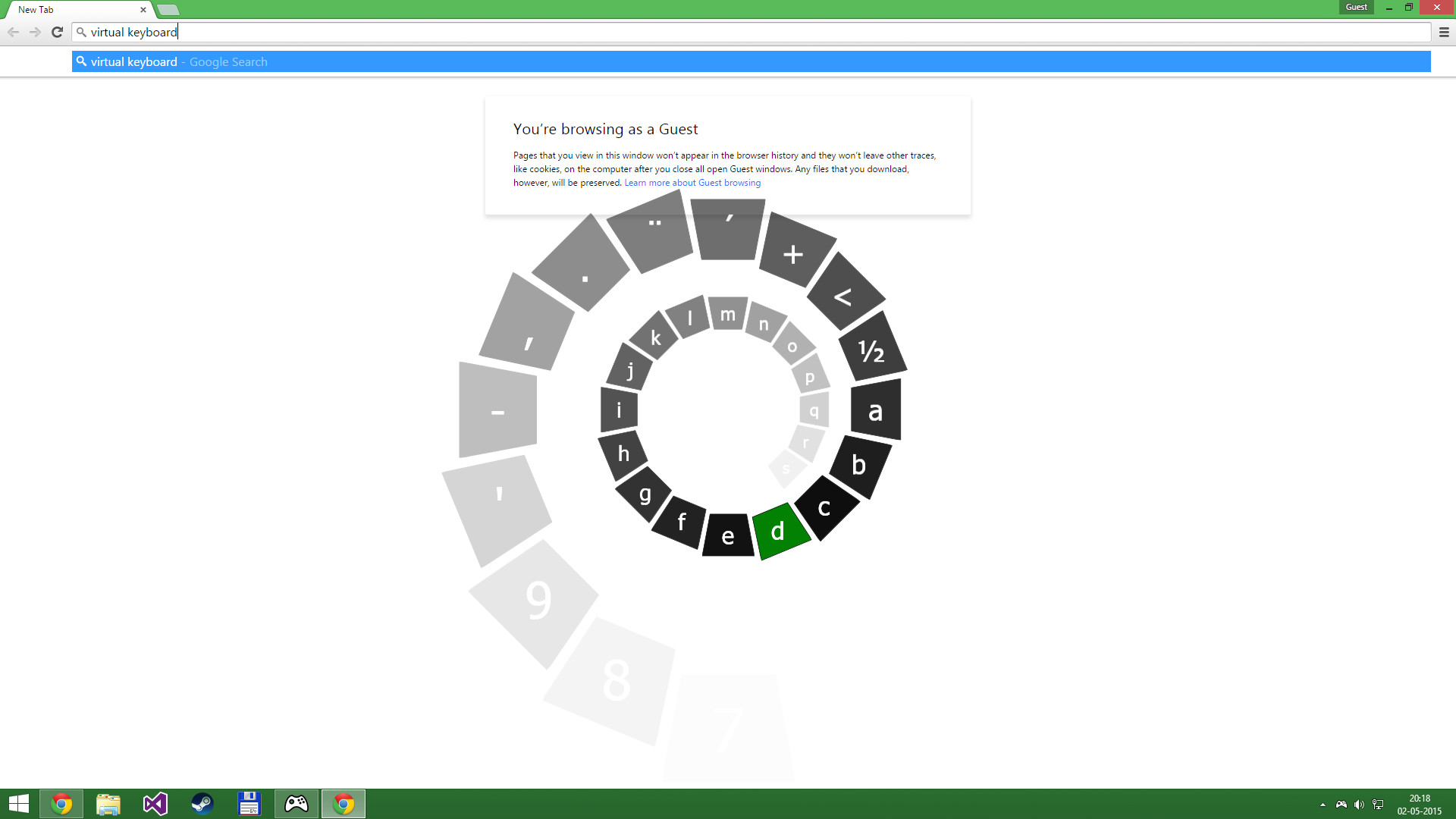
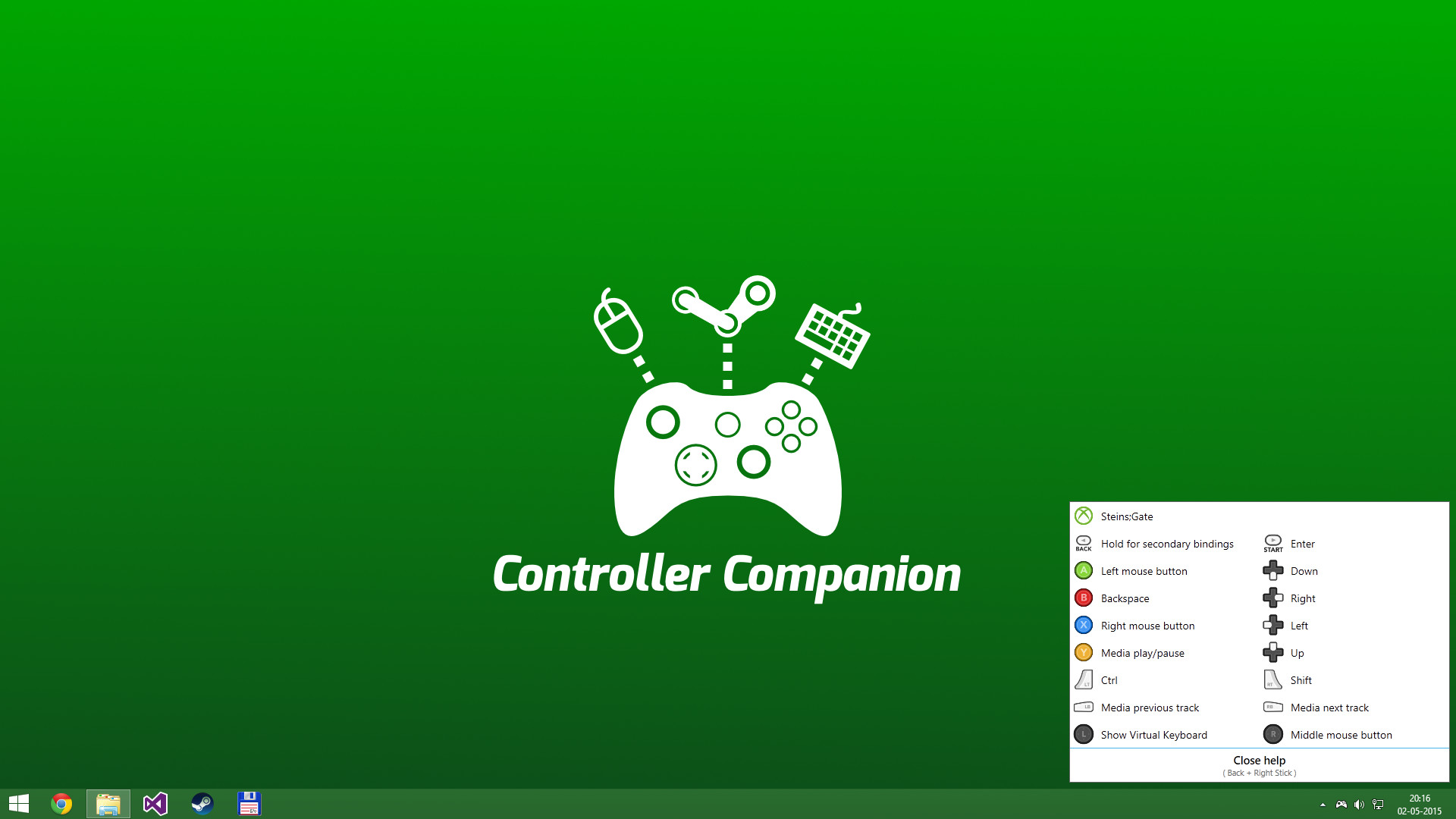
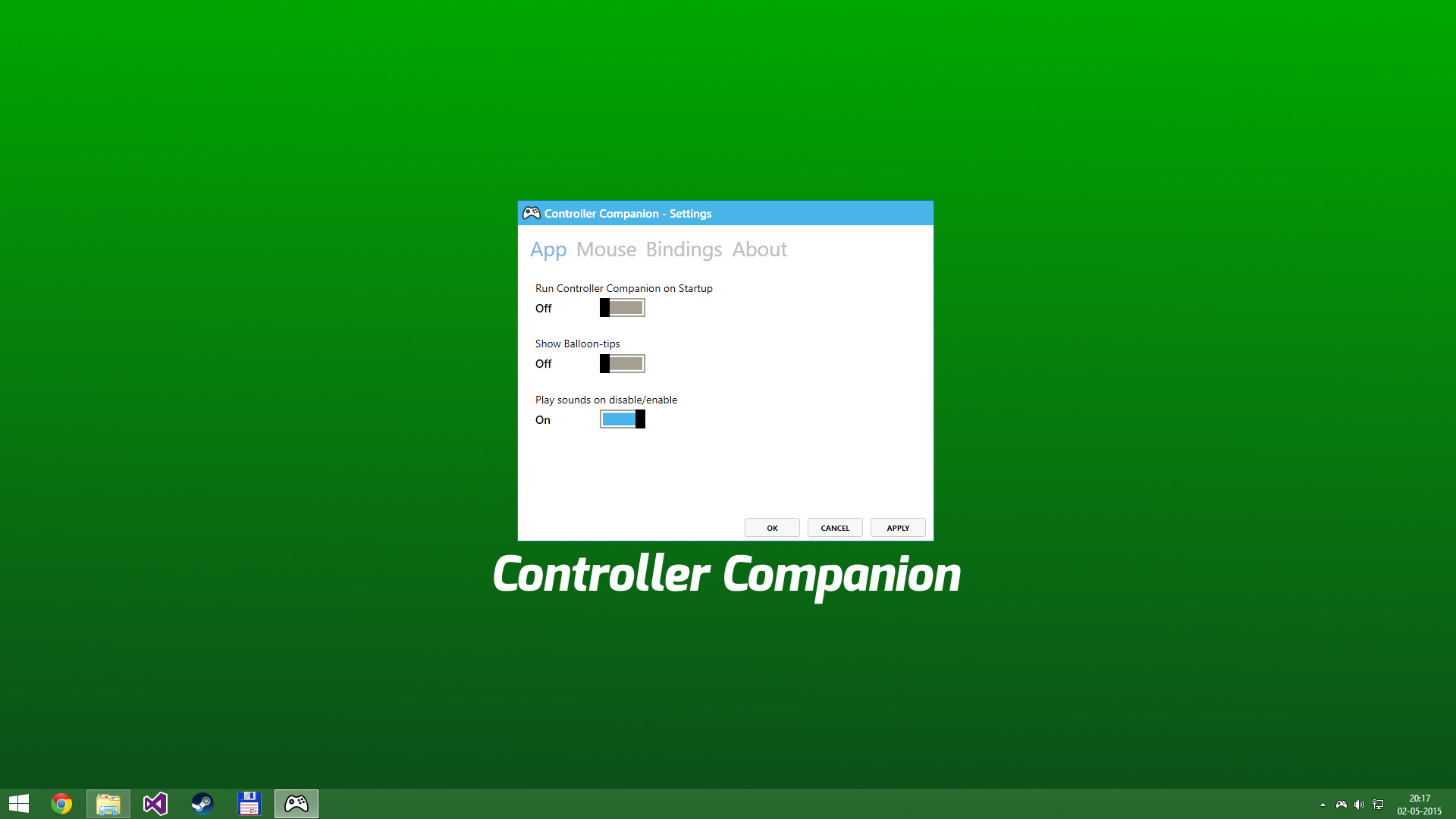
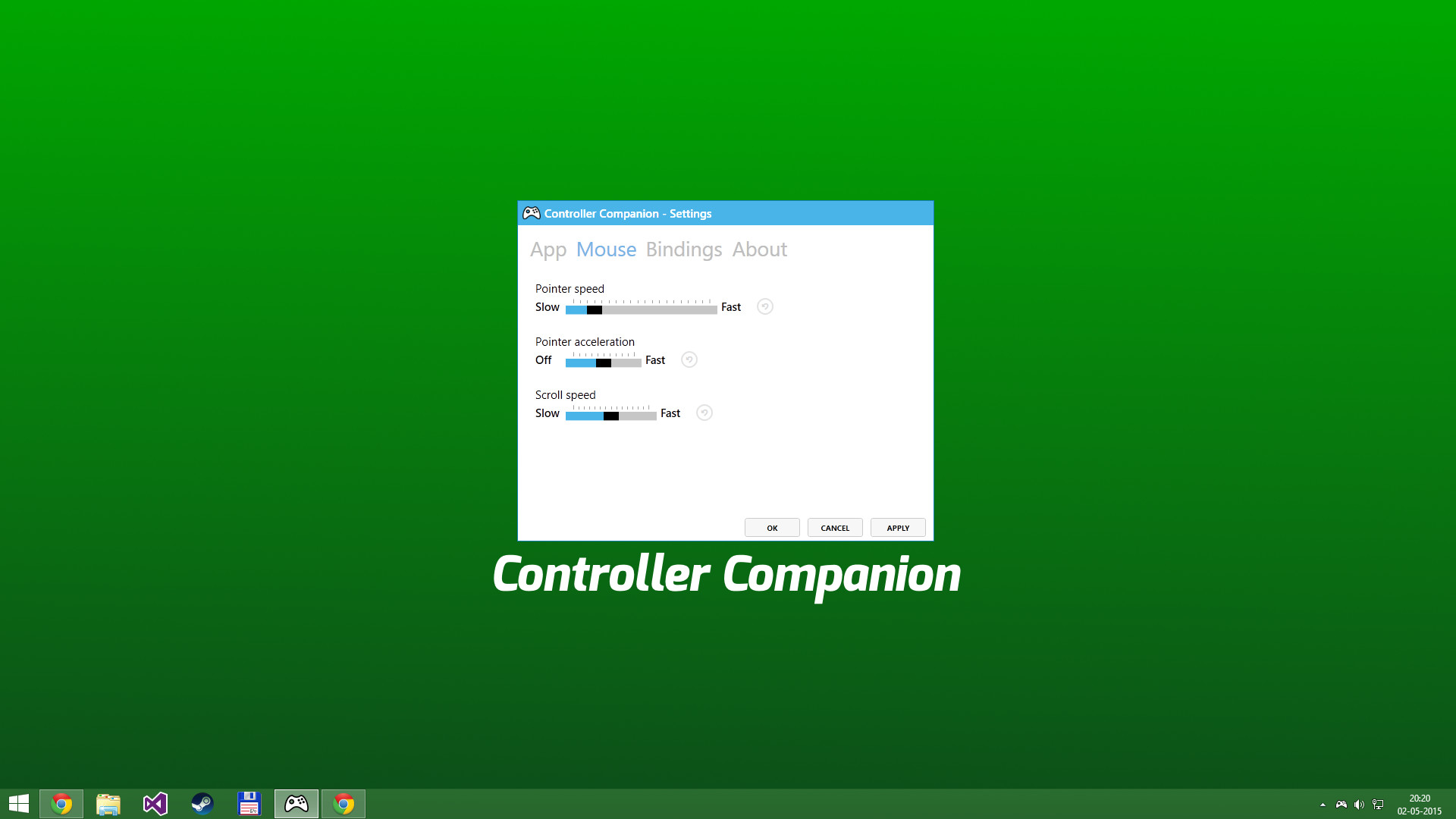
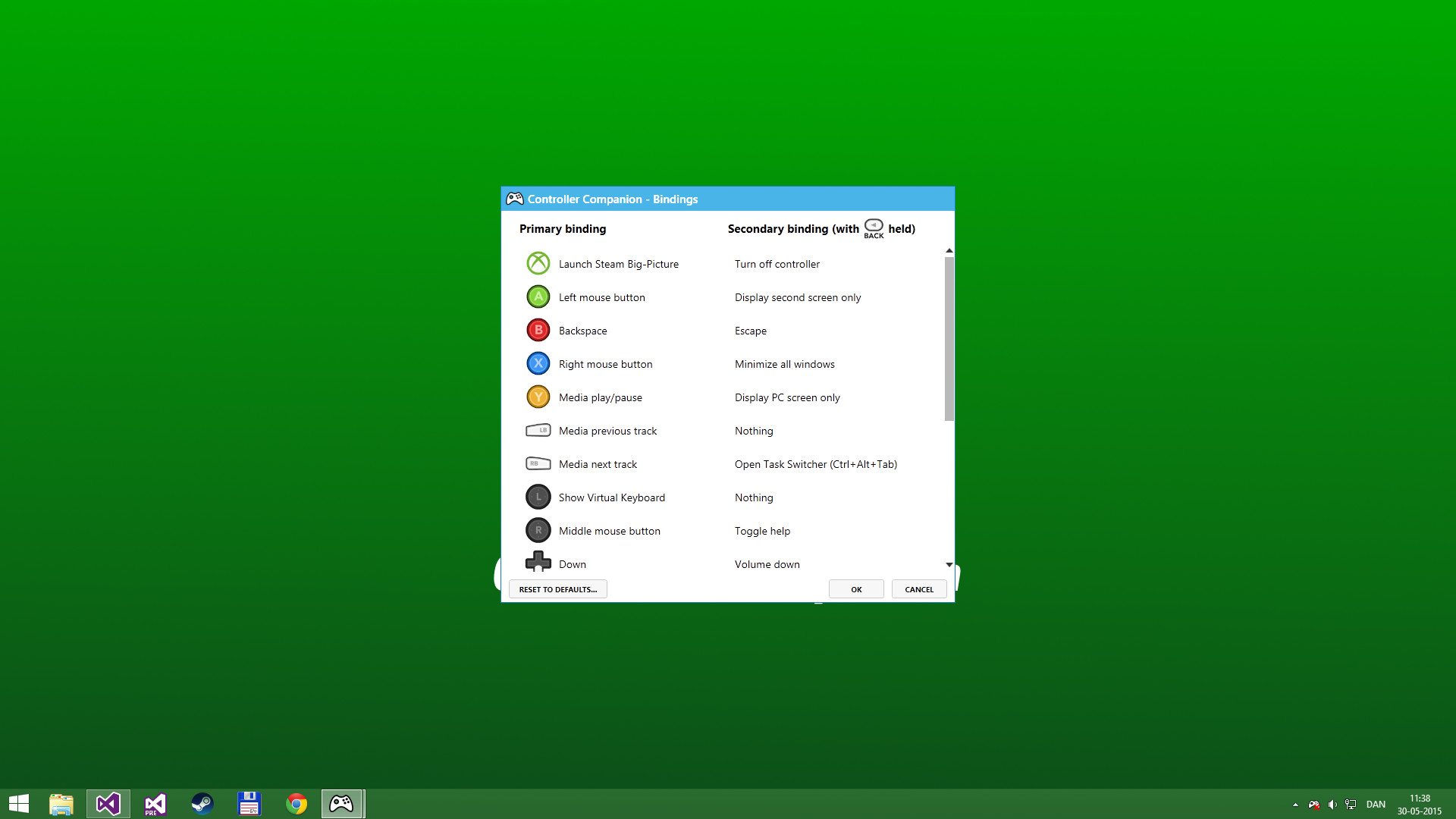
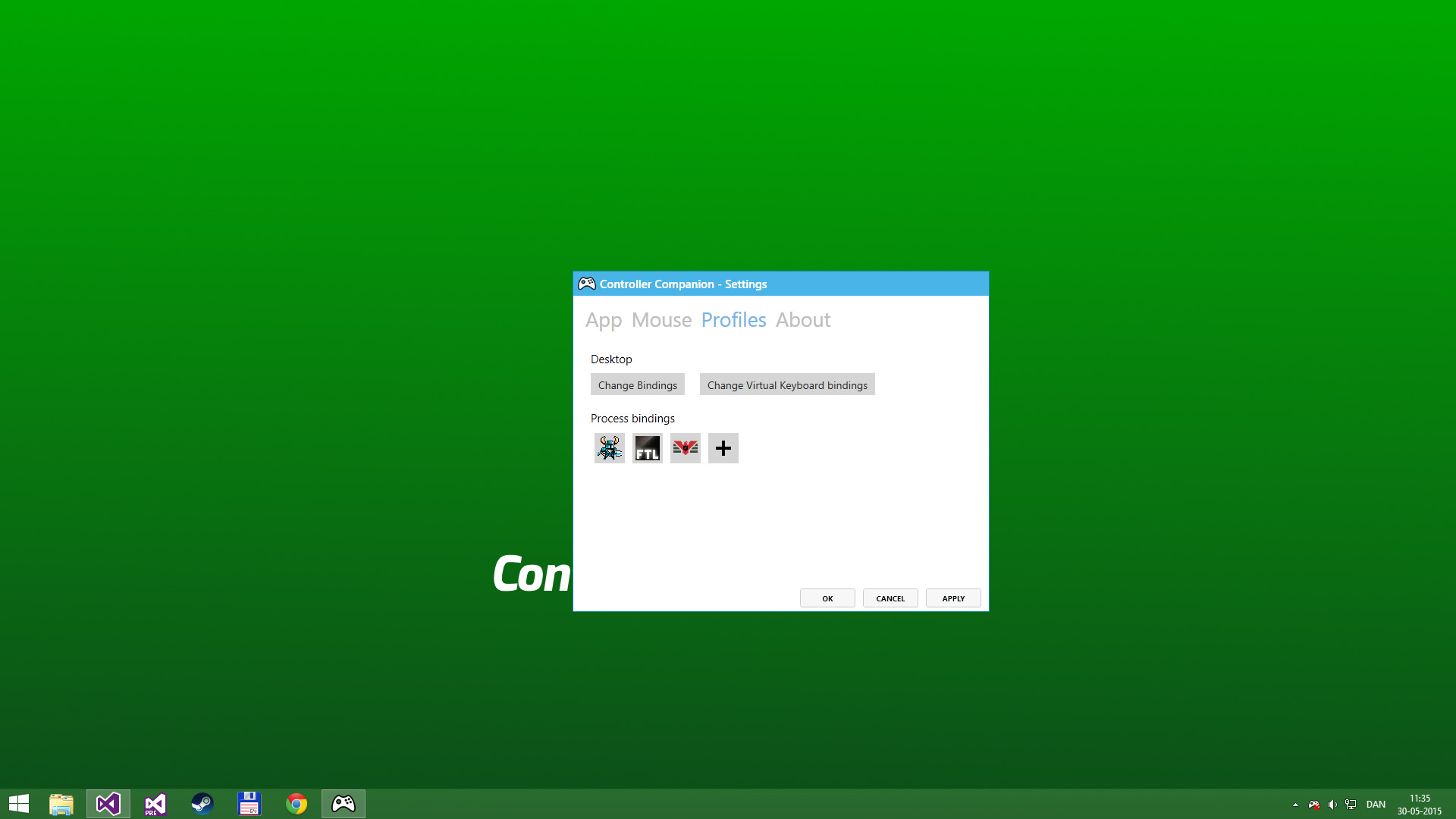
Use your controller even when you're not in-game or in Big Picture. Never leave the couch when using a controller with PC. Control mouse, keyboard and media player. No more getting up to muck about with mouse and keyboard to launch the game you wanted to play. Mouse and Keyboard Control on the Desktop When Big-Picture is not running, you can control the mouse with the left thumbstick and scroll with the right thumbstick. Click the left thumbstick and you get keyboard input directly on the desktop with a nice arcade-style keyboard spiral. Turns off your wireless controller when you turn off your PC Never again will you have to pop out the battery to turn off the controller when you turn off the PC. (Only Xbox 360 Controllers) Very Low CPU usage Controller Companion makes sure to stay in the background and use as few resources as possible. It will also disable itself as soon as Big Picture is running. Switch between PC and TV displays Switch between your connected monitors or TV screens with the controller. Use Controller as a Media Remote Control your music player with the controller using Y for Play/Pause and the shoulder buttons for Previous and Next track. Customization You can remap the buttons. Xbox 360 Chatpad Support You can finally put the Xbox 360 Chatpad to use on PC. A custom experimental driver will allow you to use the Chatpad whenever you are not playing any games. Freqently Asked Questions: Does it work with Xbox One and Wired Xbox 360 Controllers? Yes, it works with any controller that is supports XInput. Why did it stop working when playing fullscreen video? Controller Companion auto-disables for fullscreen programs, you can override it by holding back and start. See the video above about Auto-Disable. Will running this app show me as 'Playing Controller Companion'? No! Controller Companion will launch through Steam and then run in the background. Do I need to have Steam running to use Controller Companion No, you can even set Controller Companion to automatically start when you start your PC. Is there any kind of DRM in Controller Companion? No. Can I use my PlayStation controllers? No, not without installing an XInput wrapper. Is the Xbox One Chatpad supported? The Xbox One Chatpad is supported by Windows 10 natively. You will not need to install Controller Companions chatpad driver do use the Xbox One chatpad Can I remap the Xbox One Elite paddles? No, the paddles always have the same functionality as the buttons they have been mapped to. This is a limitation of Windows 10.
Developer
Koga Tech Limited
Publisher
Koga Tech Limited
Genres
Utilities
Categories
Steam Workshop, Full controller support
Tags
Vectors
Screenshots
About
Audience Clusters
Loading taxonomy...
Audience Discovery
Player communities grouped by game taxonomy. Segments marked Untapped share players but differ in content — audiences you wouldn't find through similar games alone. Lower content similarity = more novel the audience.
Loading audience data...
Similar Games
Loading similar games...