Games

VEGAS Pro 18 Edit Steam Edition
VEGAS Pro 18 Edit – Steam Edition is a powerhouse of tools for creating Let's Plays and includes a screen capturing tool, truly mind-blowing special effects, intuitive operation and ultra-efficient workflows.
About
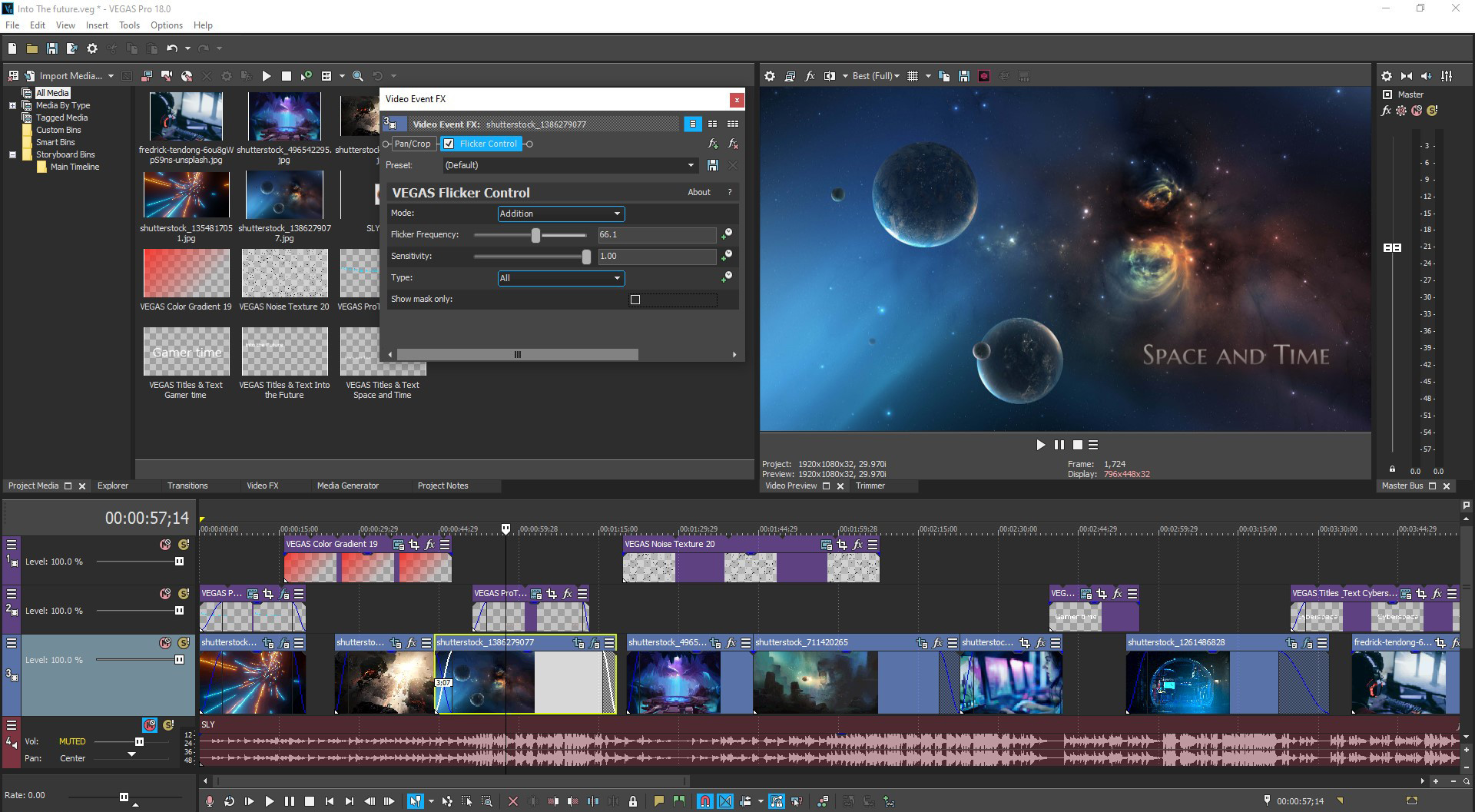
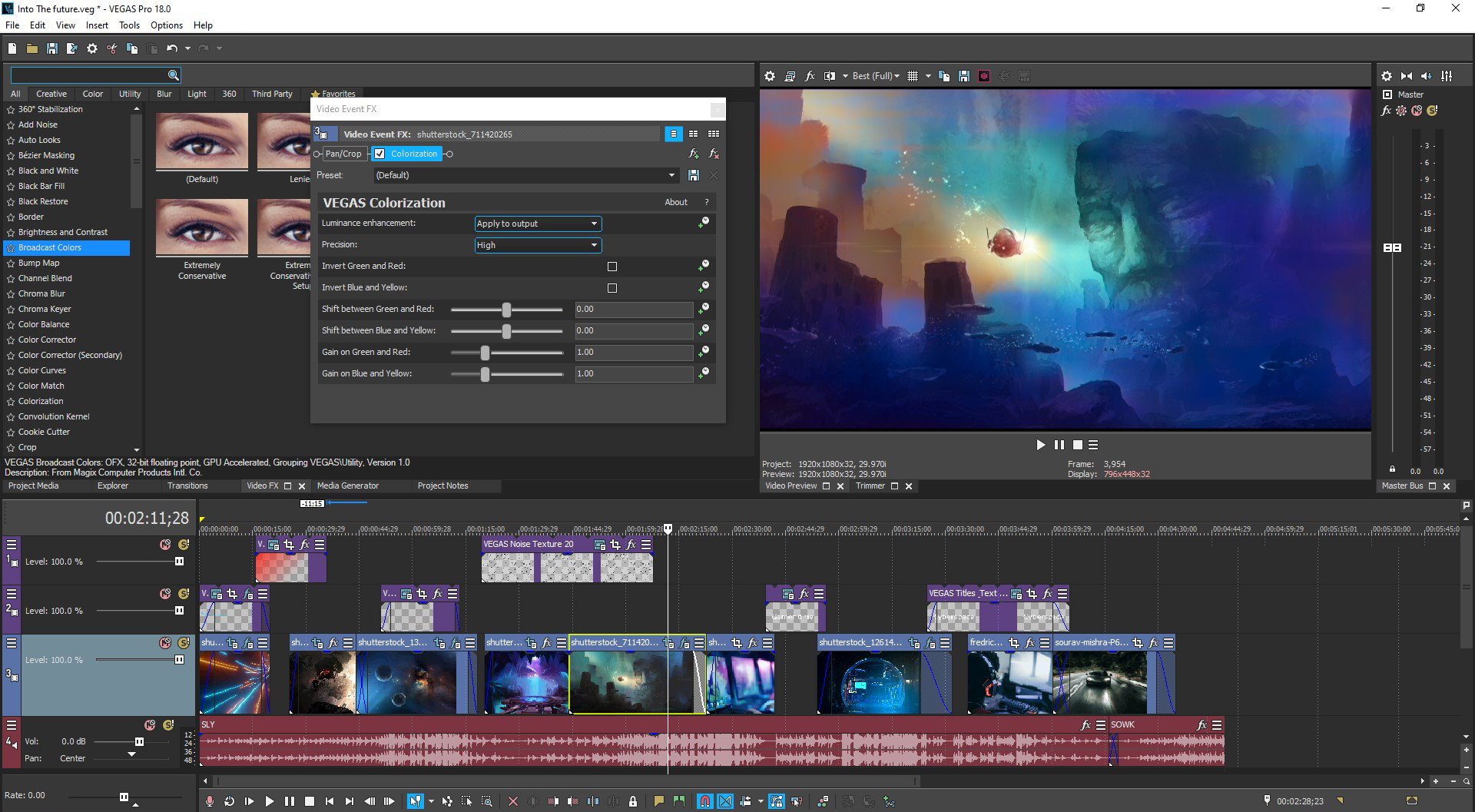
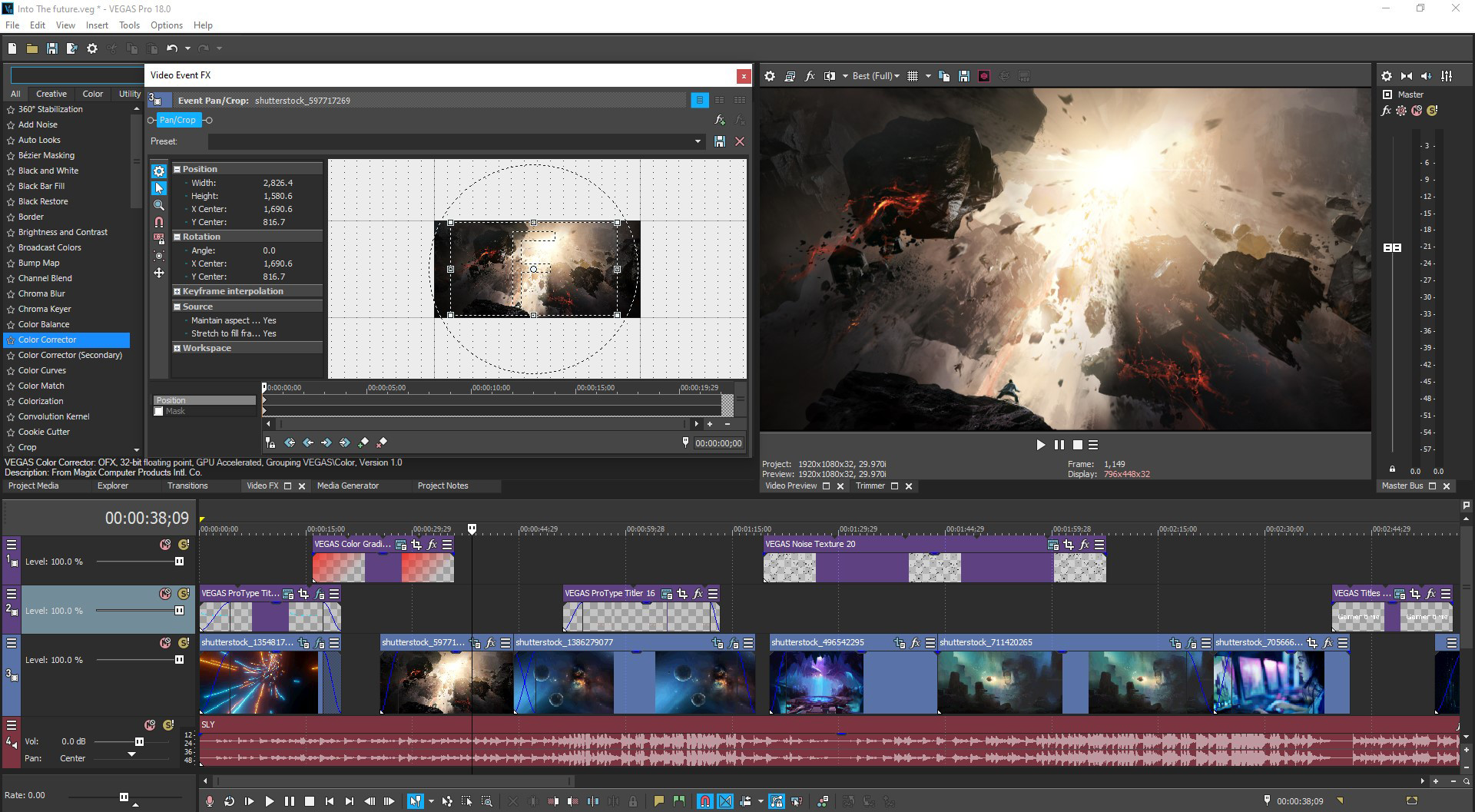
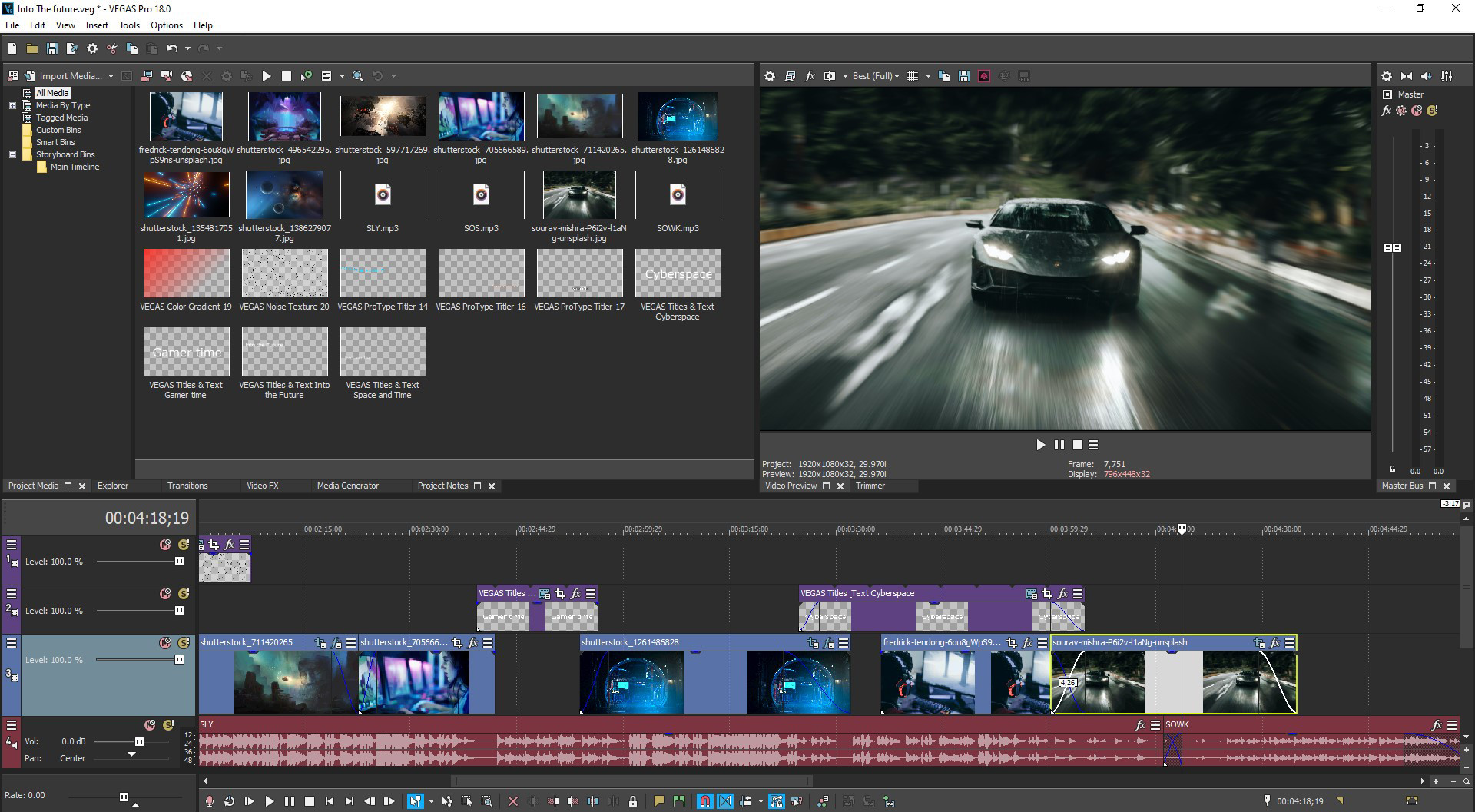
VEGAS Pro 18 Edit – Steam Edition enables you to create gaming videos quickly at a high level of efficiency. The brand-new screen capture tool and audio synchronization for multicam editing let you record and edit your Let's Plays in no time at all. Discover a fast and seamless decoding/encoding workflow powered by hardware acceleration: VEGAS Pro automatically configures your GPU for the highest possible performance. With the new enhancement for driver detection, drivers for your GPU are kept up to date at all times, which offers maximum performance for video production as well as all other tasks. Make your gaming videos stand out from the crowd by adding dozens of special effects and transitions. What are you waiting for? Dive right in and get started on your next video today! Highlights Essential functions in VEGAS Pro 18 Edit – Steam Edition: GPU acceleration for decoding/encoding for Nvidia®, AMD® and Intel® Comprehensive screen capturing tool Audio synchronization for multicam editing AI-driven tools such as Style Transfer and Colorization Advanced options for color grading Full HDR support (ACES 1.1 & HLG) Slow motion tool Planar motion tracking Nested Timelines for better organization in large projects Professional audio plug-ins Intuitive drag and drop workflow Video and audio production Innovative editing tools. Full creative freedom Edit your gameplays natively in resolutions of up to 8K using drag-and-drop functionality. Thanks to the flexible user interface, you can customize your workspace to include all the features you need – get to the right features fast without loads of clicking around. Powerful audio editing tools provide your gaming videos with the perfect sound with professional audio effects.
Description
New Version About the Software VEGAS Pro 18 Edit – Steam Edition enables you to create gaming videos quickly at a high level of efficiency. The brand-new screen capture tool and audio synchronization for multicam editing let you record and edit your Let's Plays in no time at all. Discover a fast and seamless decoding/encoding workflow powered by hardware acceleration: VEGAS Pro automatically configures your GPU for the highest possible performance. With the new enhancement for driver detection, drivers for your GPU are kept up to date at all times, which offers maximum performance for video production as well as all other tasks. Make your gaming videos stand out from the crowd by adding dozens of special effects and transitions. What are you waiting for? Dive right in and get started on your next video today! Highlights Essential functions in VEGAS Pro 18 Edit – Steam Edition: GPU acceleration for decoding/encoding for Nvidia®, AMD® and Intel® Comprehensive screen capturing tool Audio synchronization for multicam editing AI-driven tools such as Style Transfer and Colorization Advanced options for color grading Full HDR support (ACES 1.1 & HLG) Slow motion tool Planar motion tracking Nested Timelines for better organization in large projects Professional audio plug-ins Intuitive drag and drop workflow Video and audio production Innovative editing tools. Full creative freedom Edit your gameplays natively in resolutions of up to 8K using drag-and-drop functionality. Thanks to the flexible user interface, you can customize your workspace to include all the features you need – get to the right features fast without loads of clicking around. Powerful audio editing tools provide your gaming videos with the perfect sound with professional audio effects.
Developer
MAGIX Software GmbH
Publisher
MAGIX Software GmbH
Genres
Audio Production, Video Production
Tags
Vectors
Screenshots



About
Audience Clusters
Loading taxonomy...
Audience Discovery
Player communities grouped by game taxonomy. Segments marked Untapped share players but differ in content — audiences you wouldn't find through similar games alone. Lower content similarity = more novel the audience.
Loading audience data...
Similar Games
Loading similar games...