Games

fpsVR
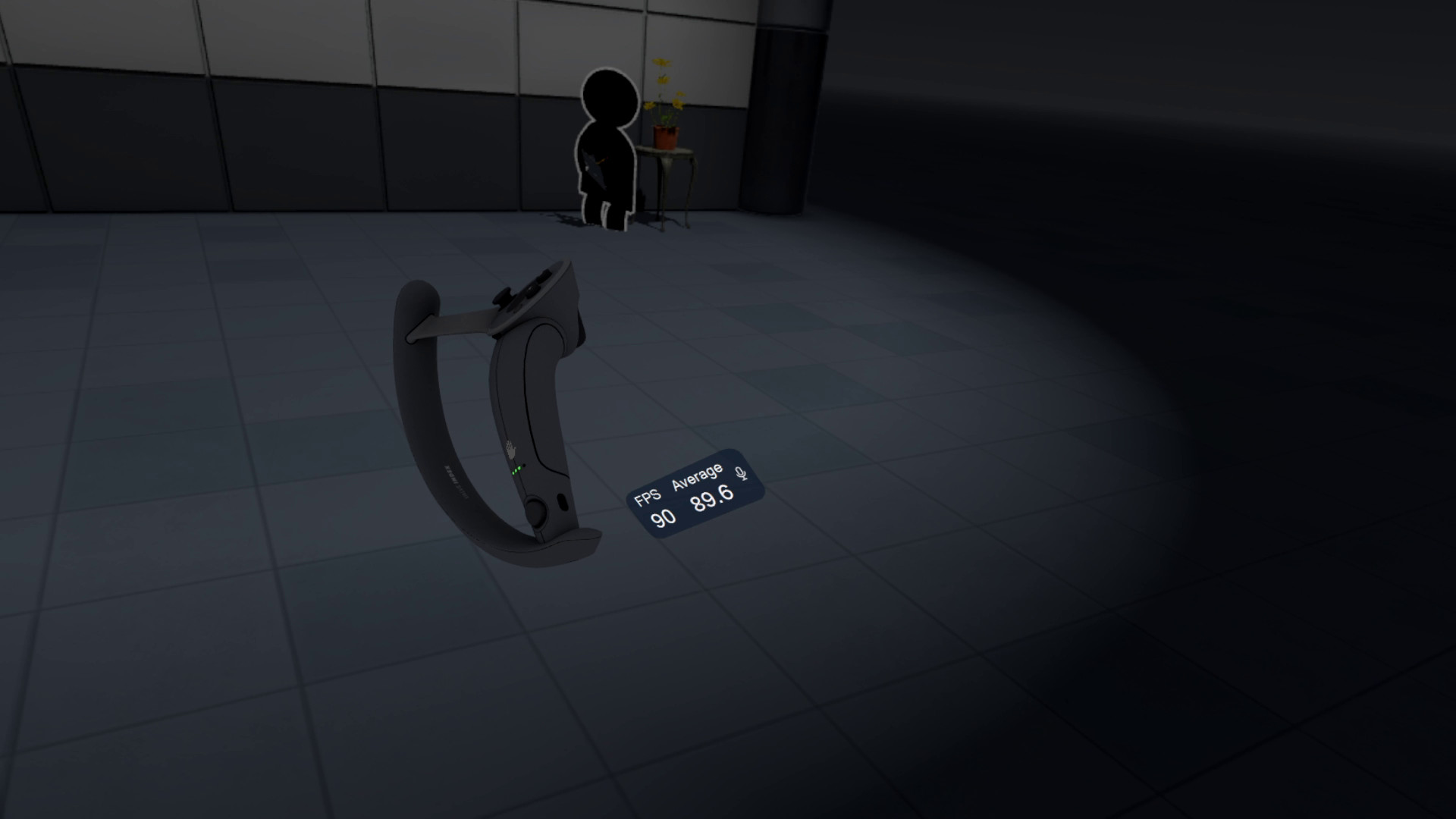
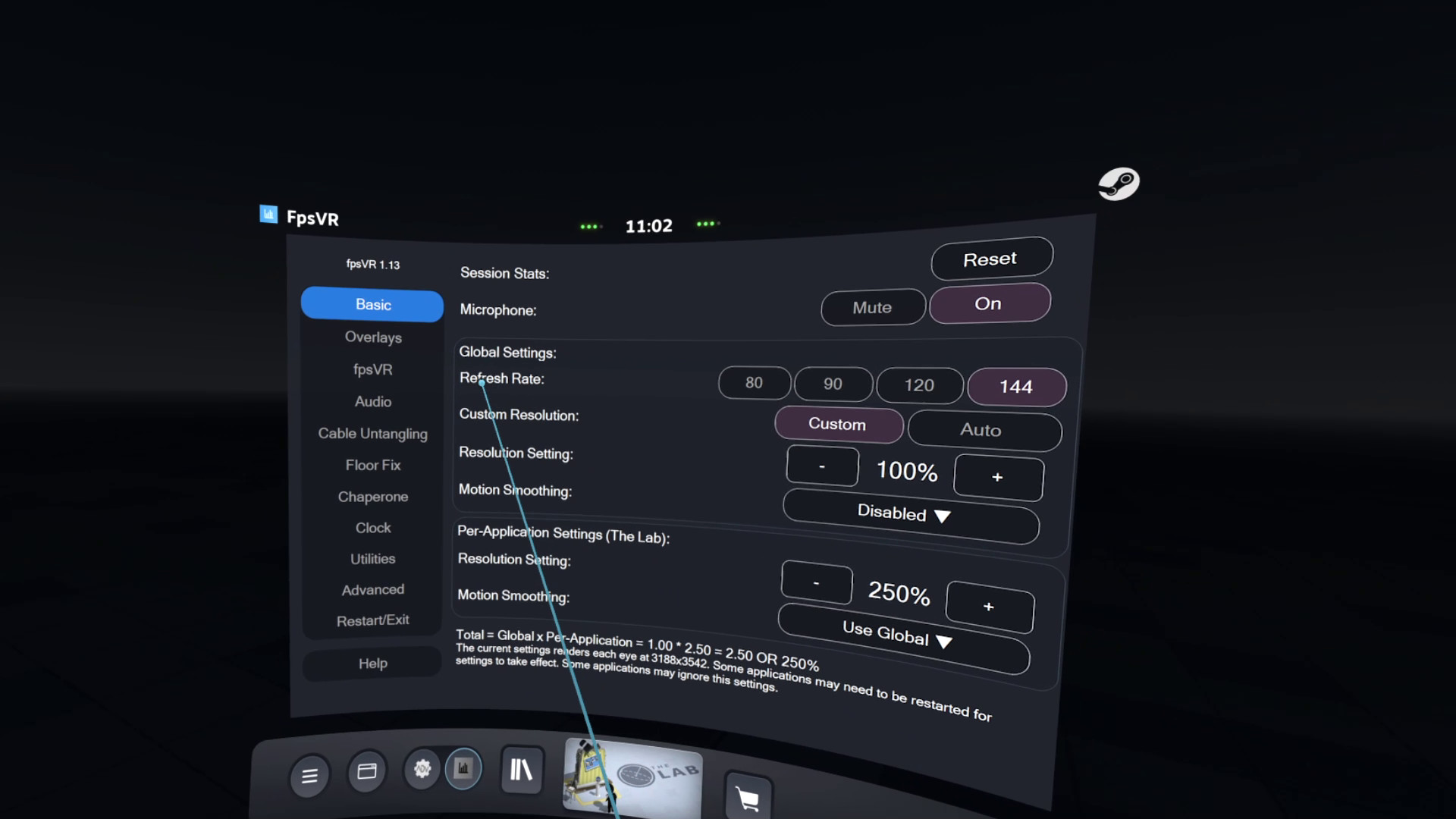
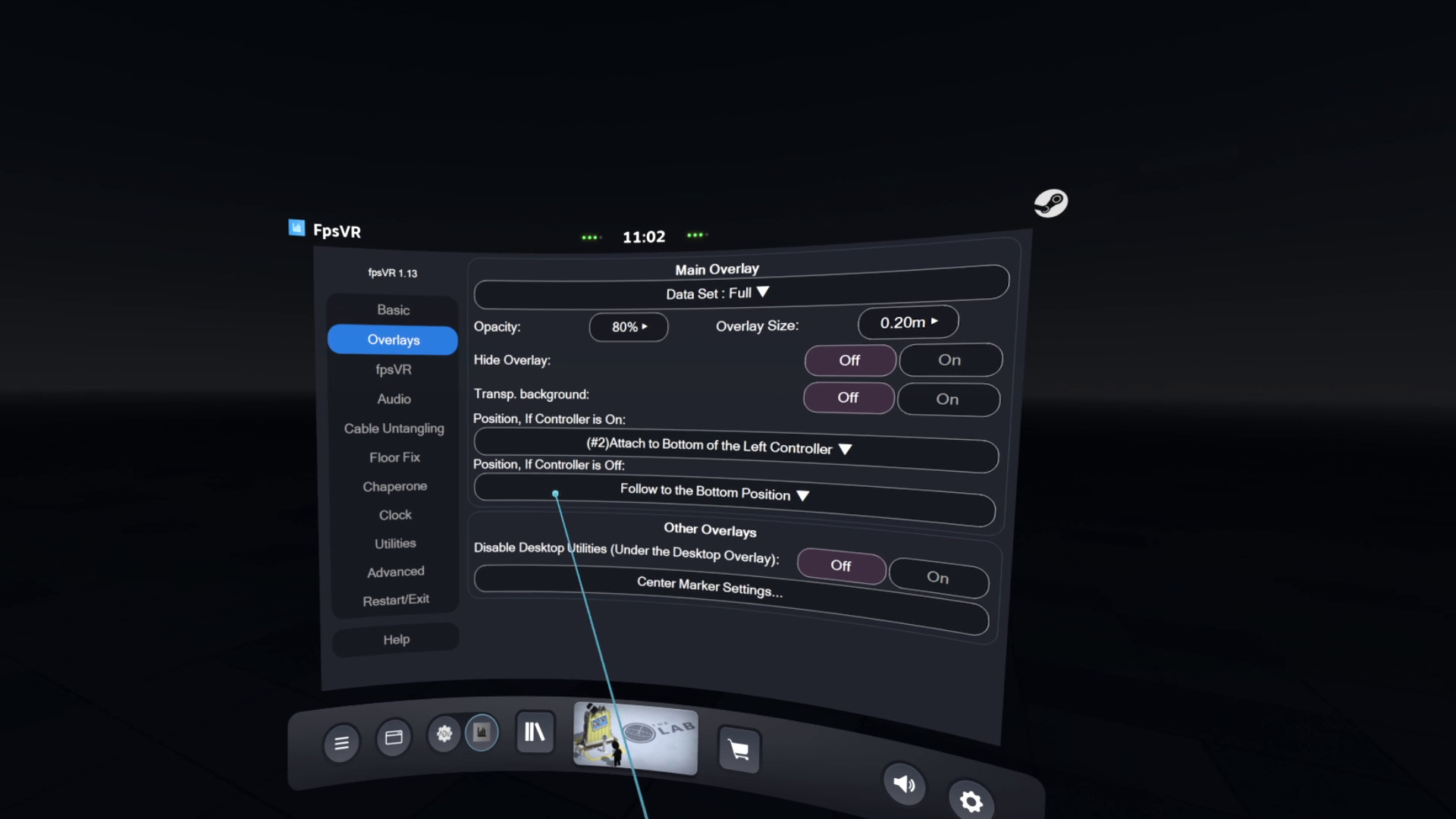
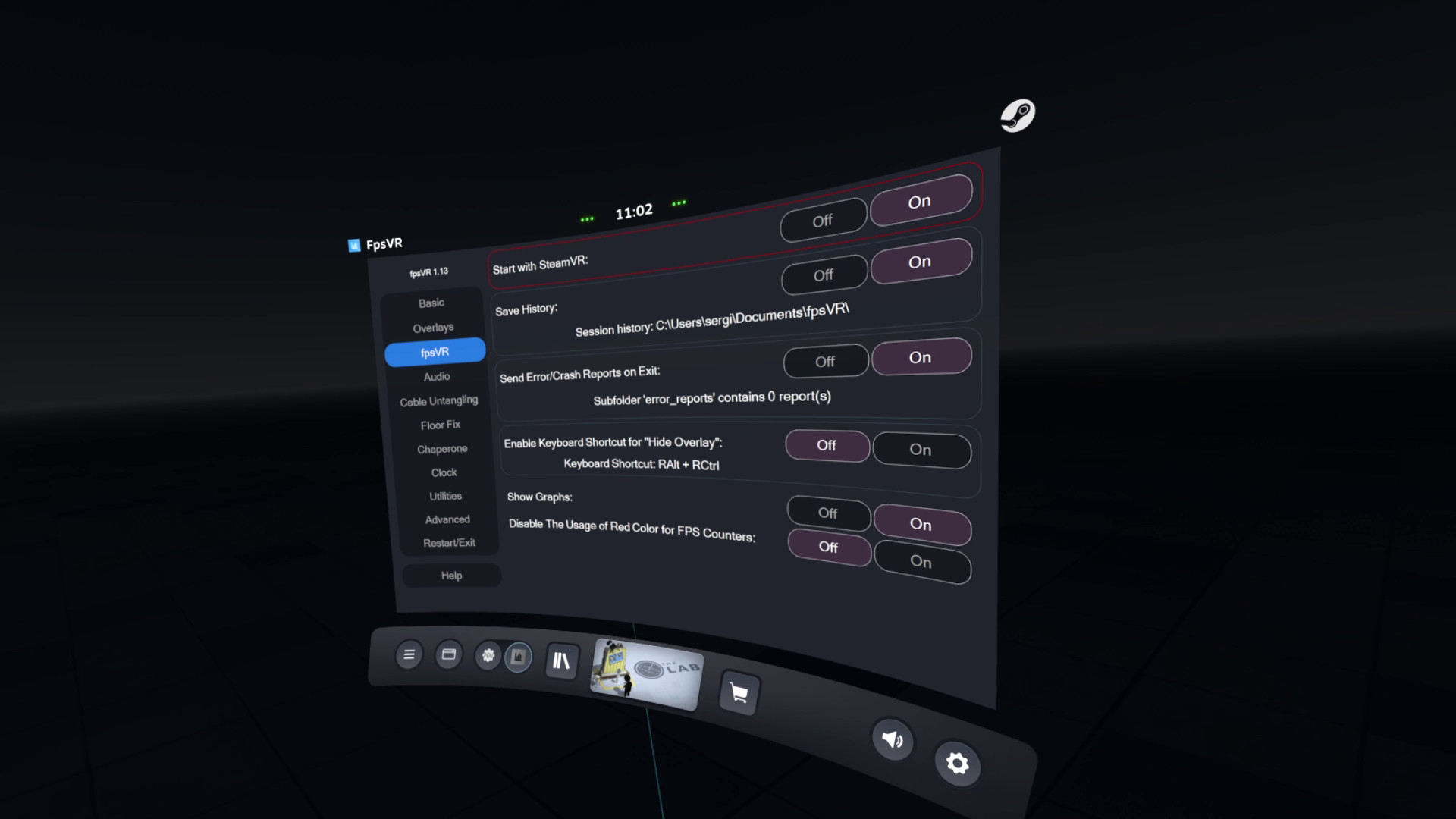
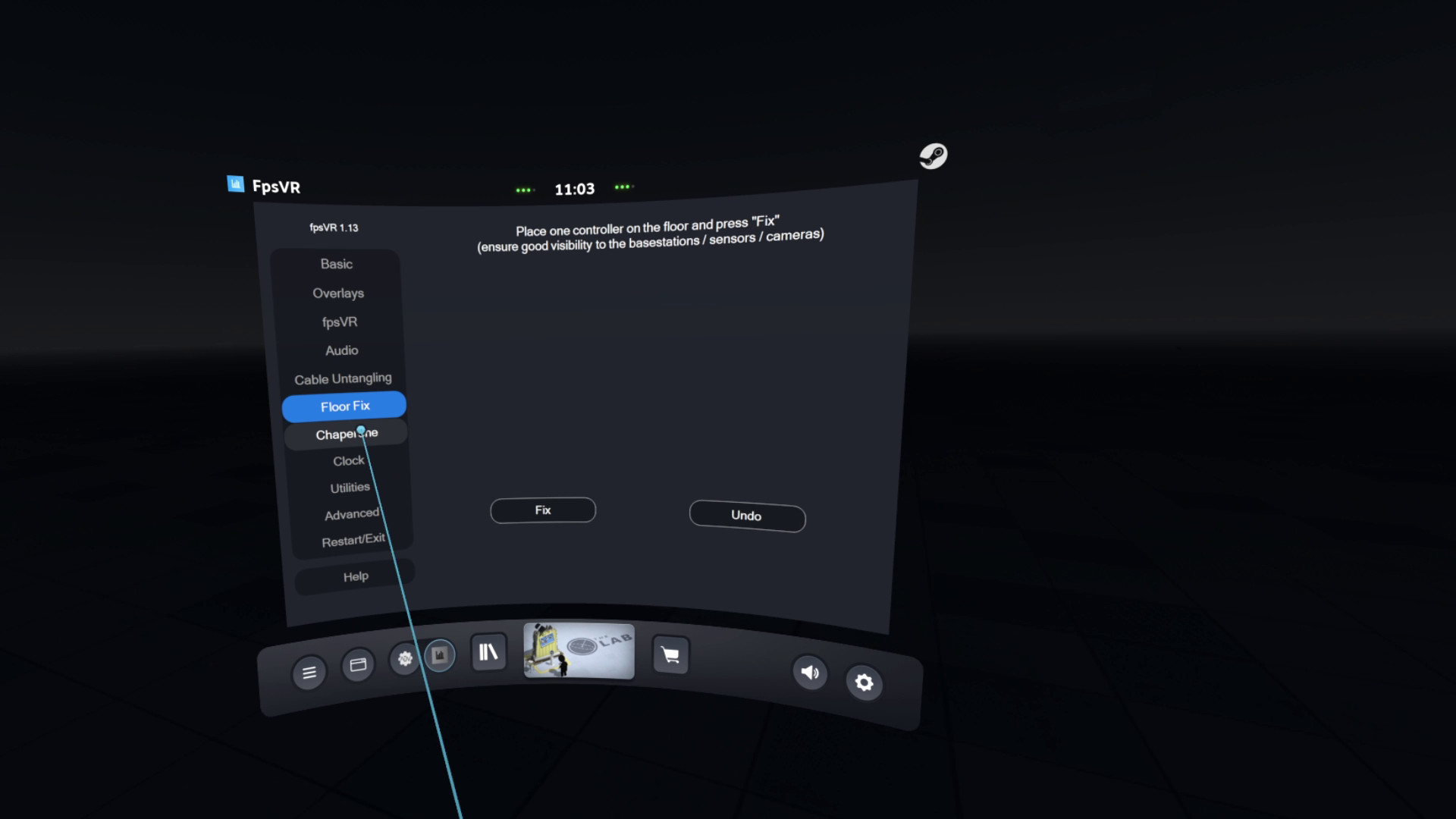
Utility for SteamVR for keeping track of FPS, frame time and other performance metrics in the in-game overlay. Easily change SteamVR settings in the fpsVR settings overlay in the SteamVR dashboard. Headset cable twist tracking and other useful features.
About
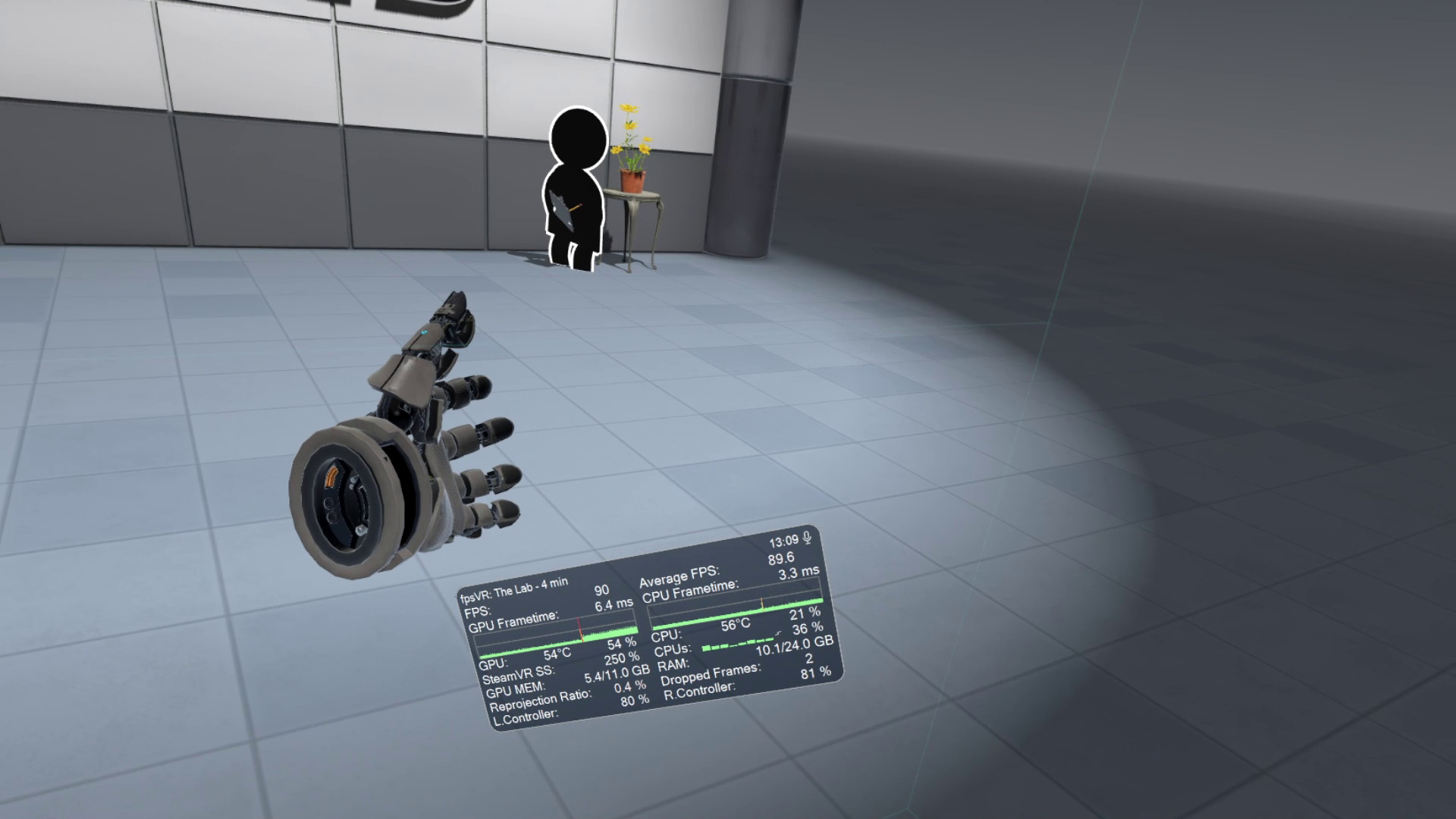
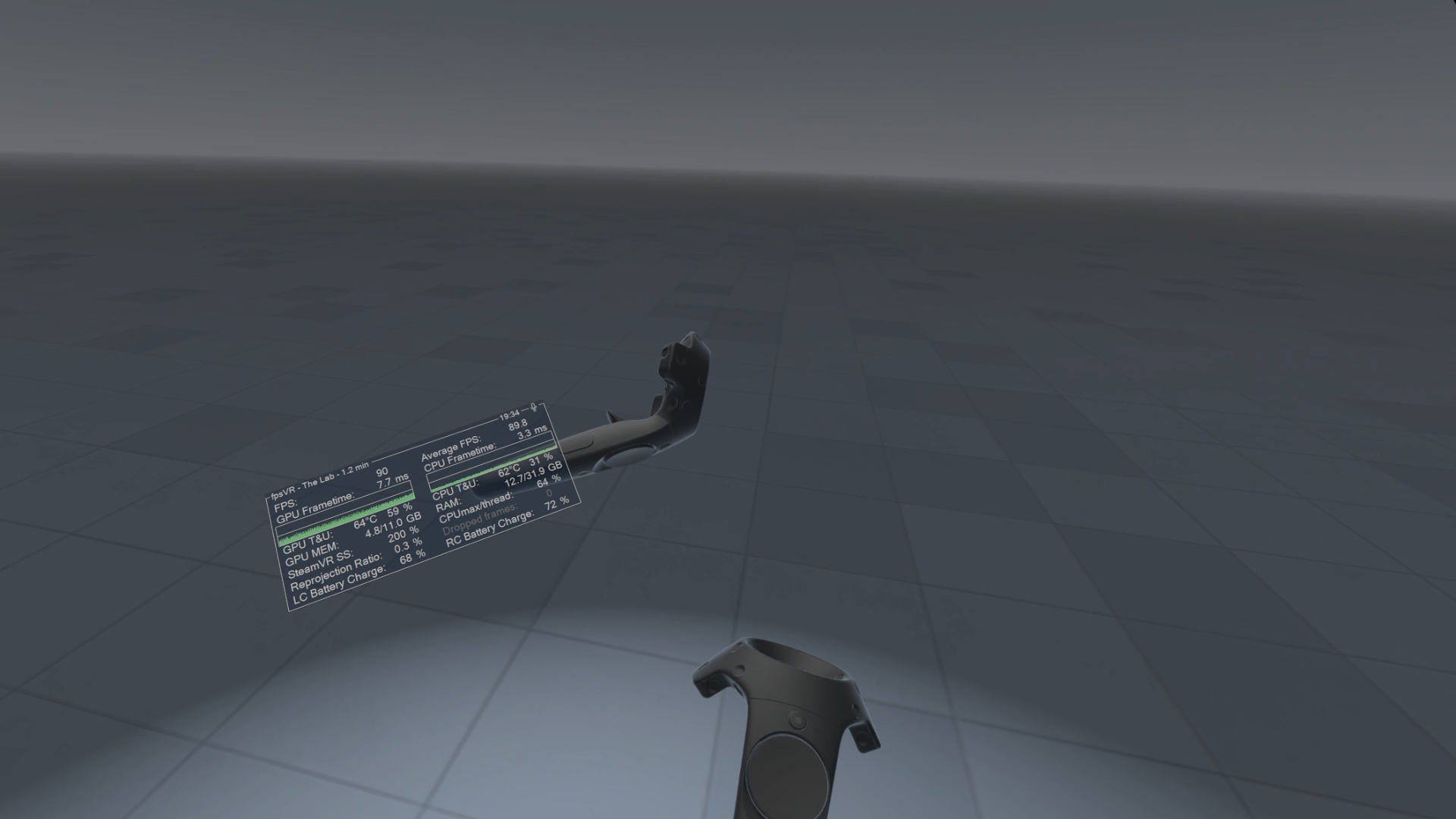
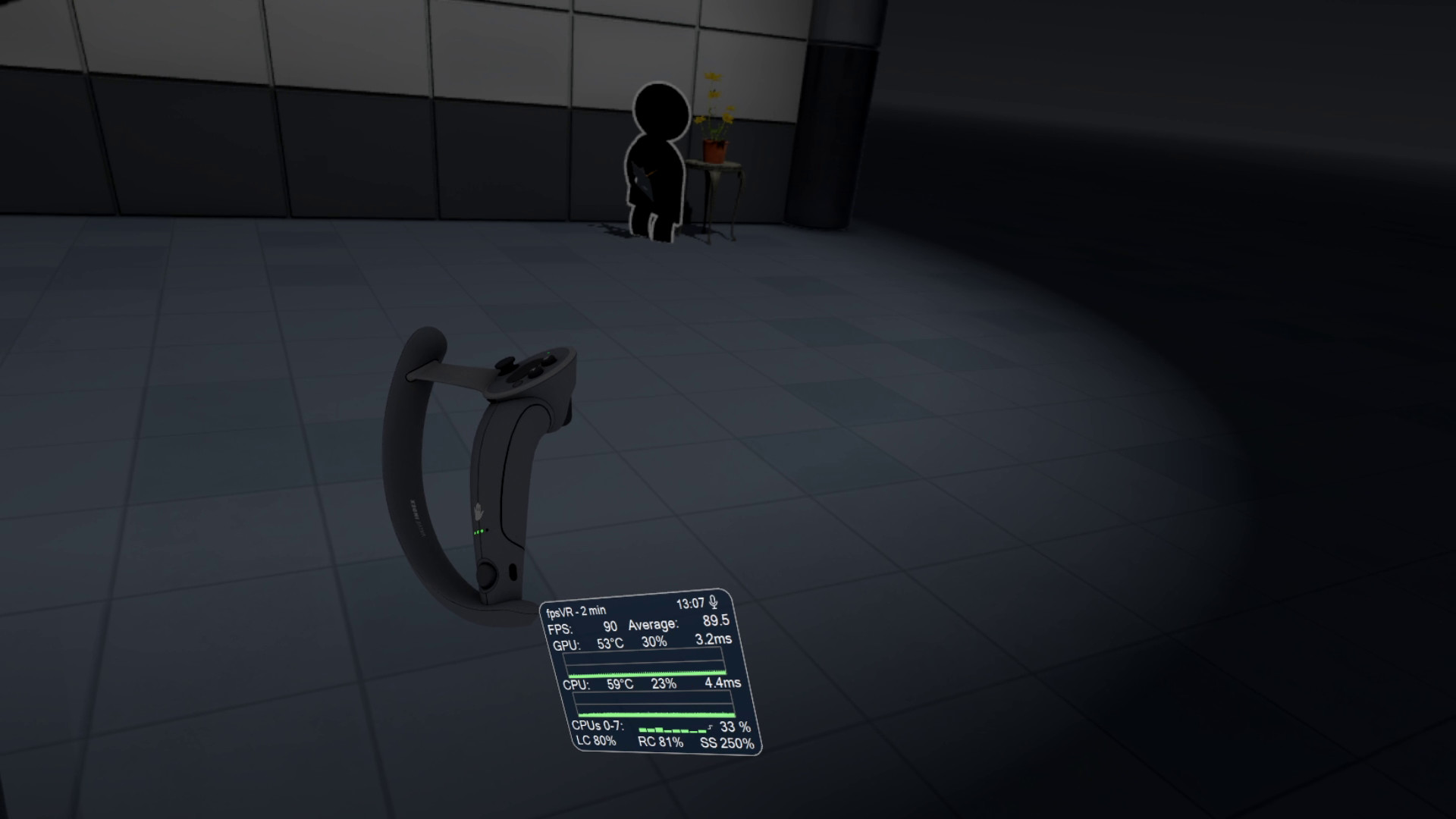
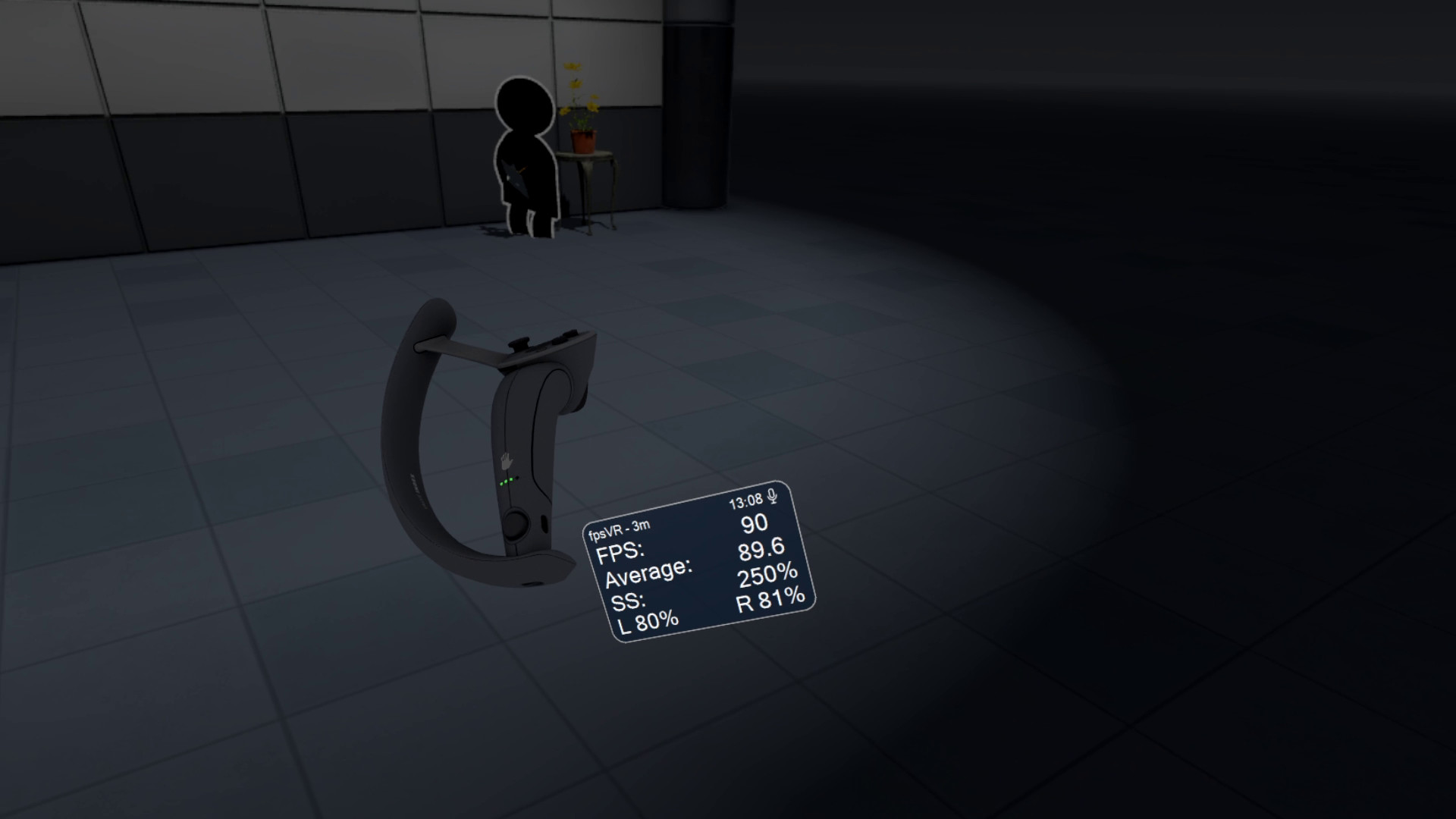
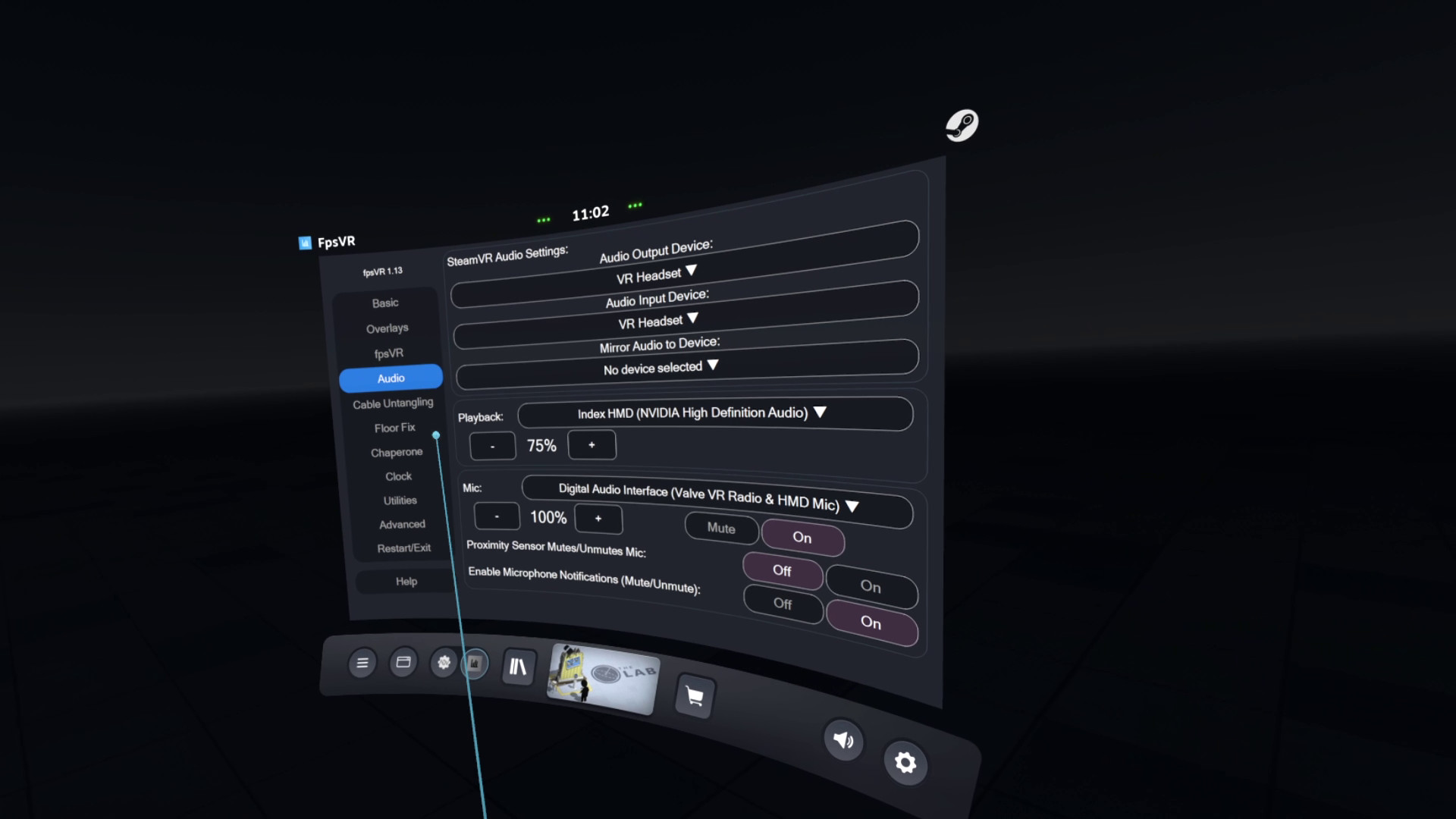
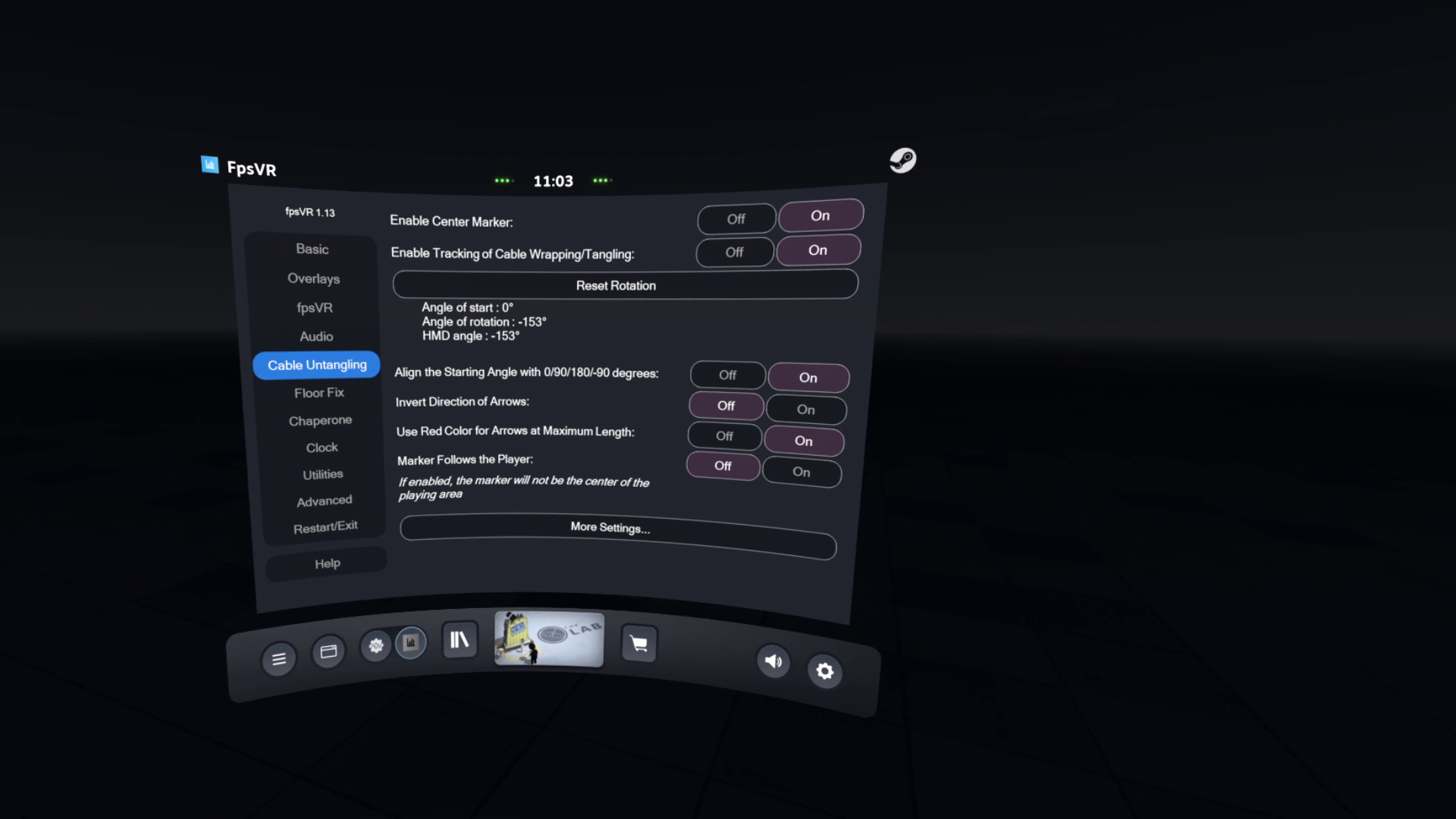
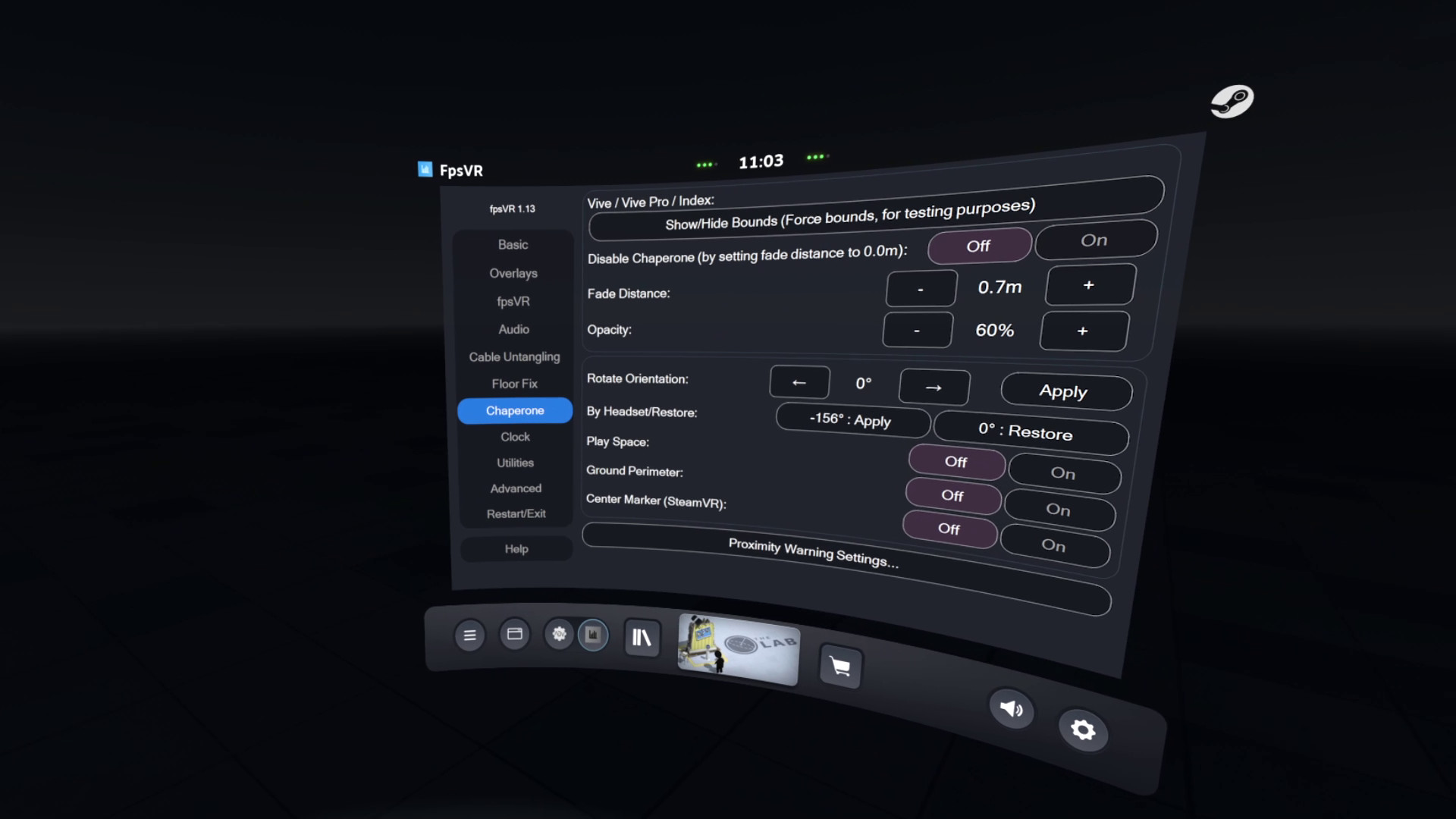
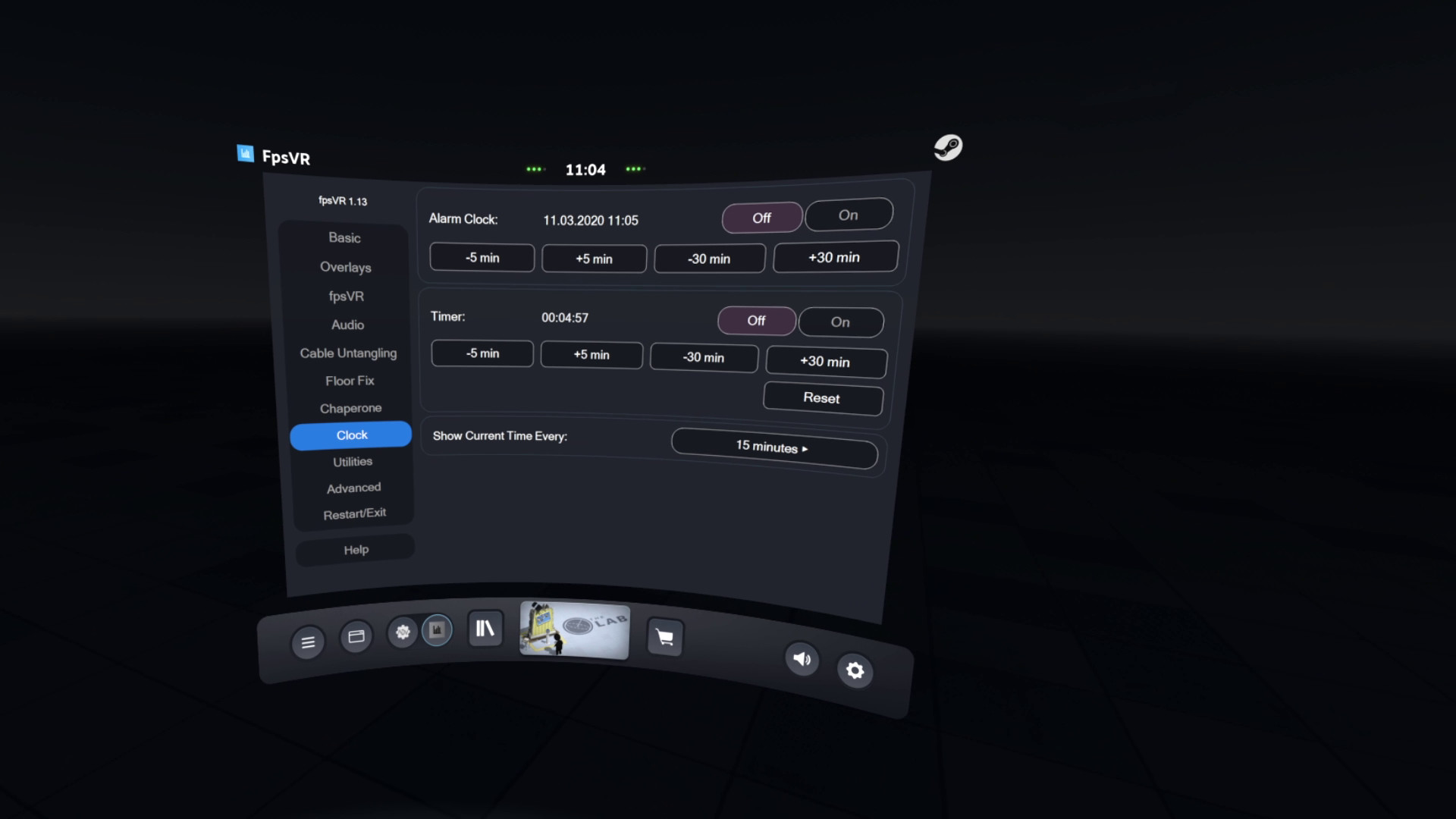
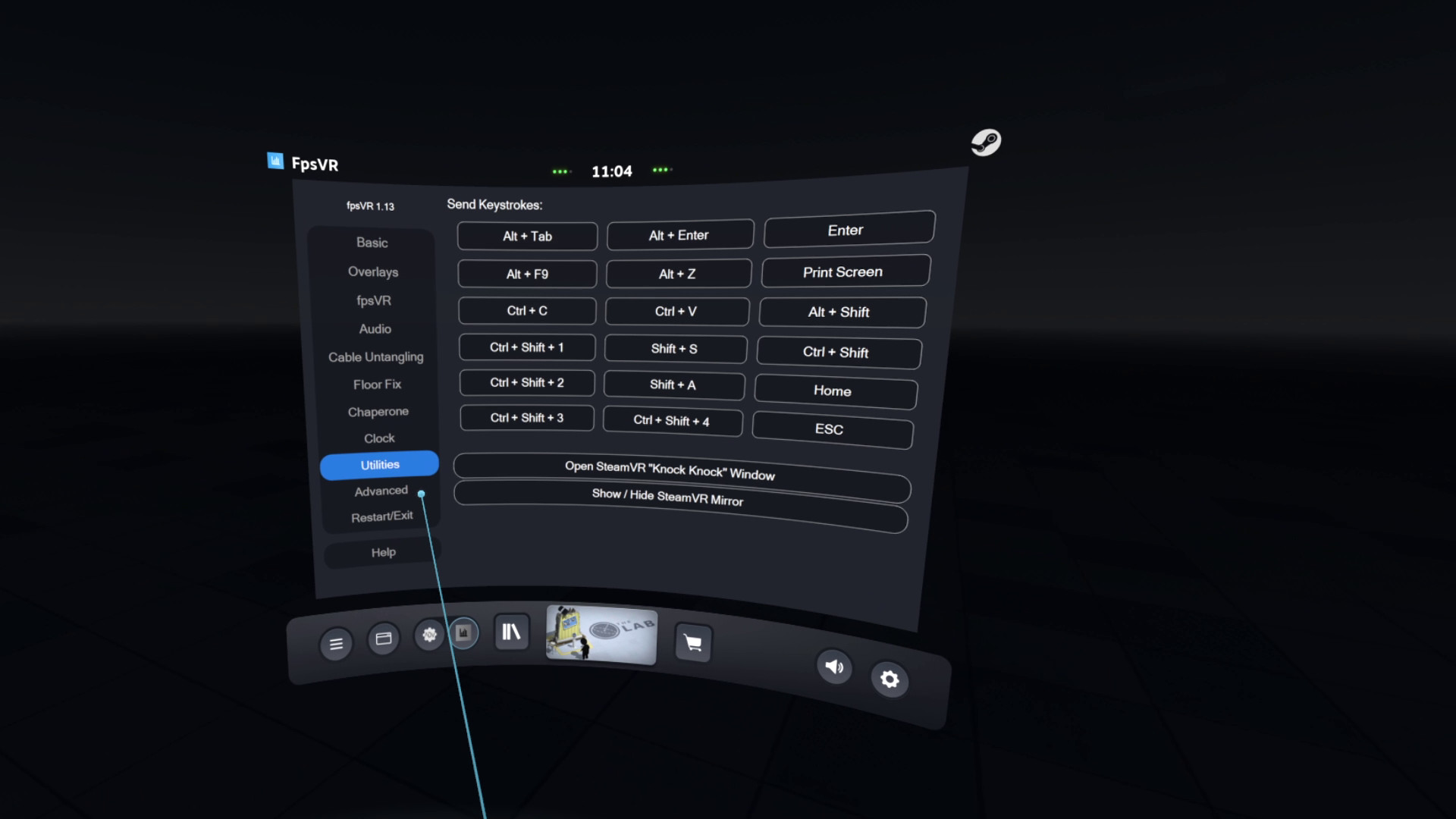
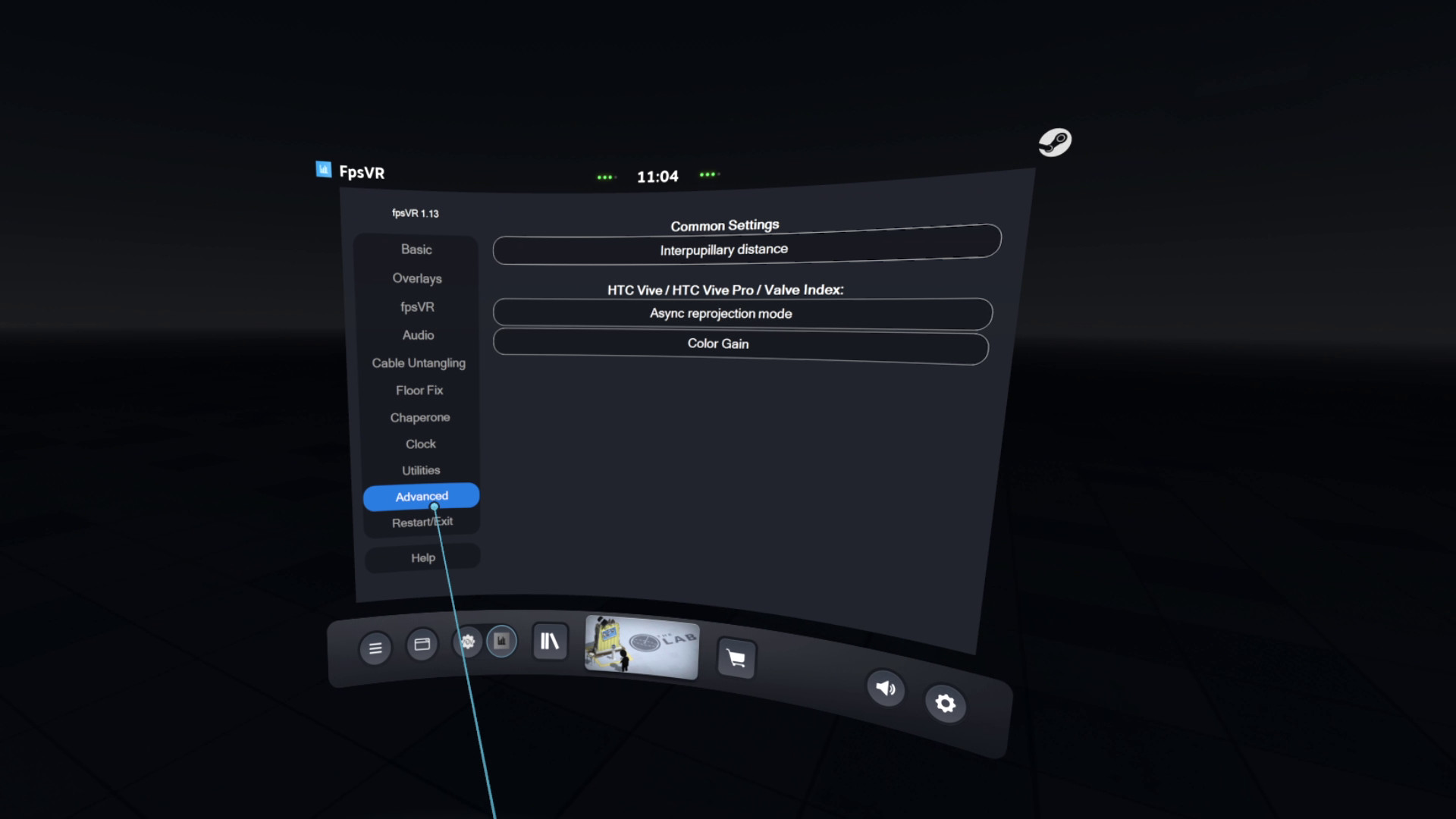
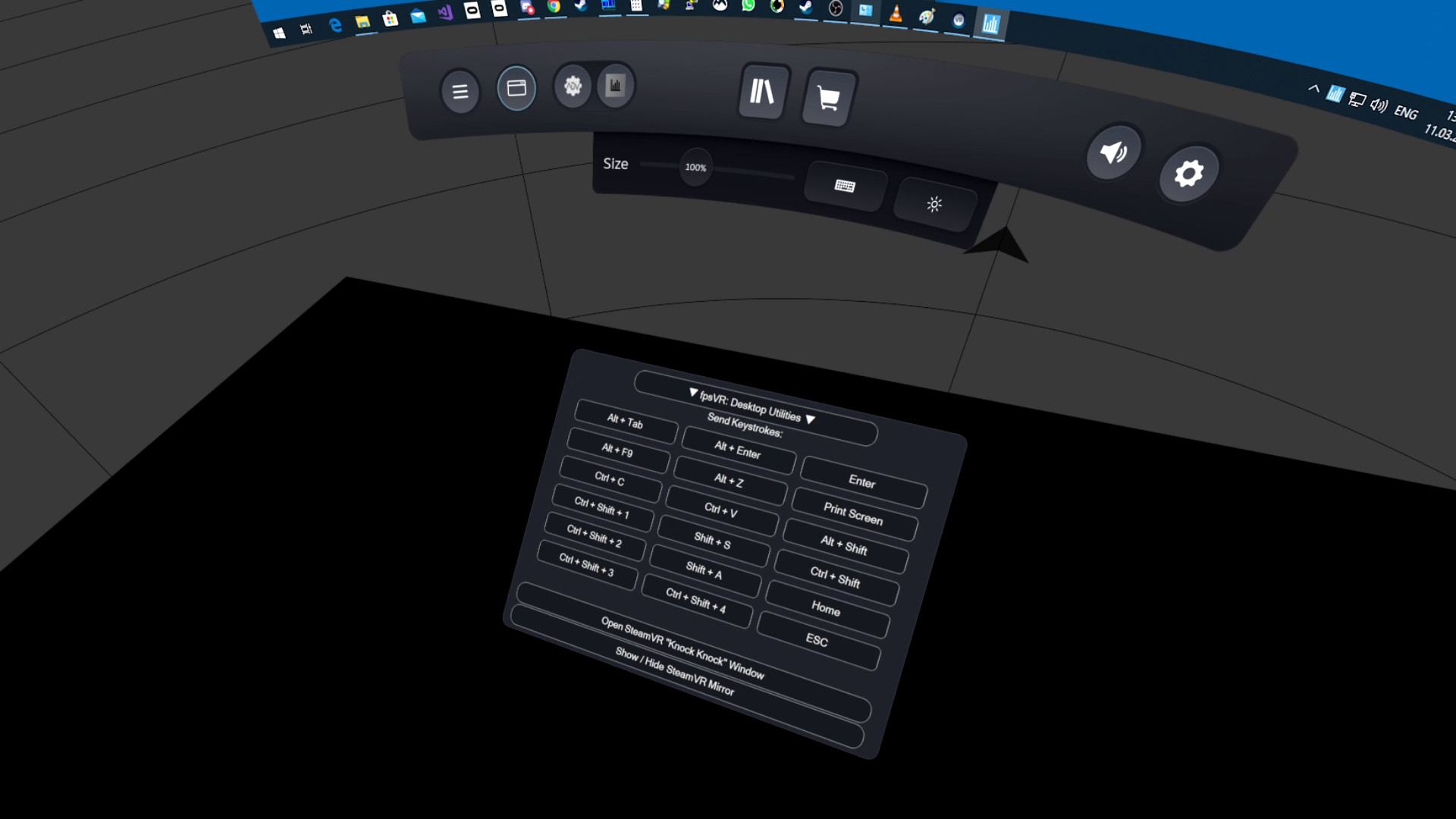
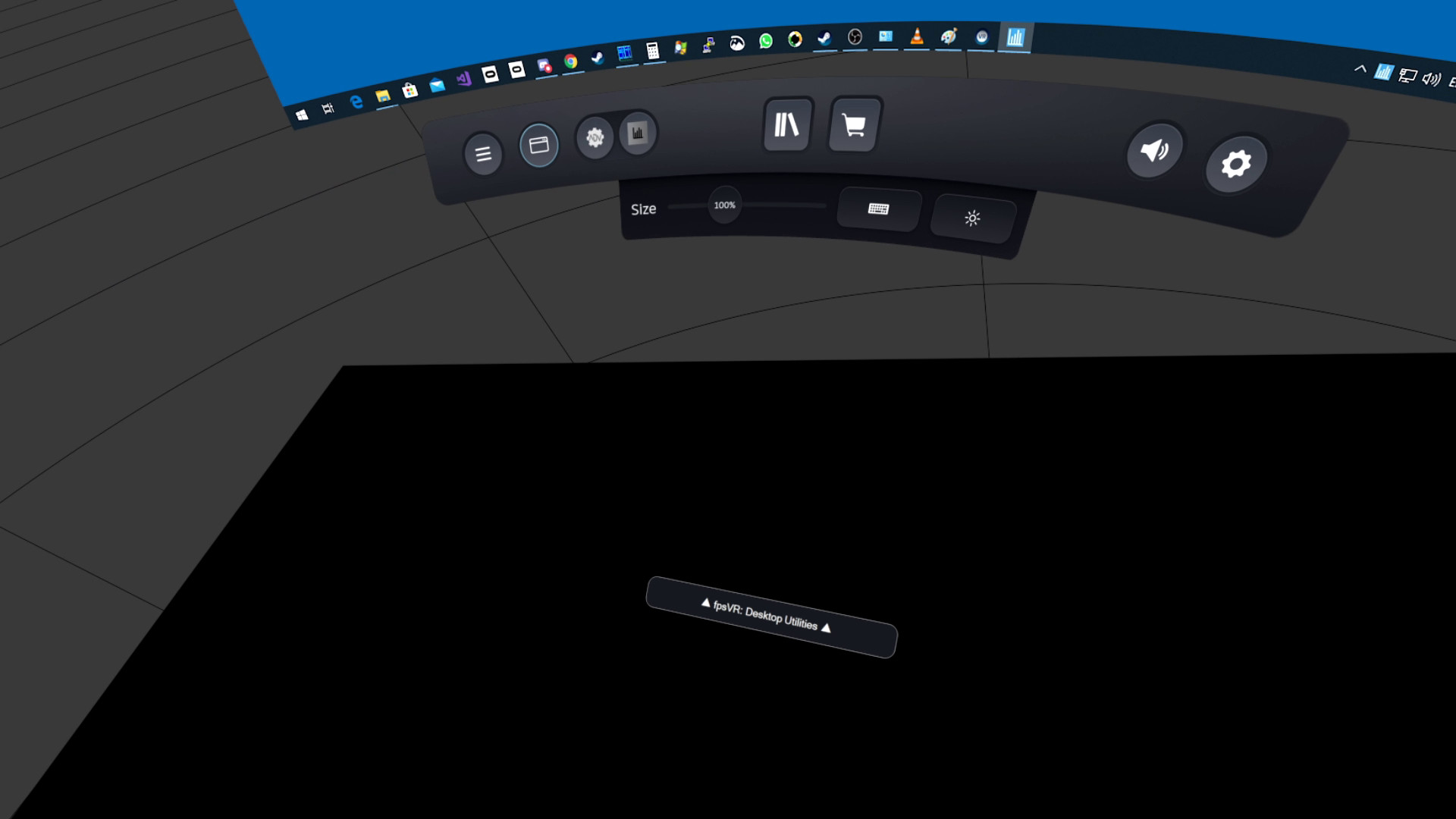
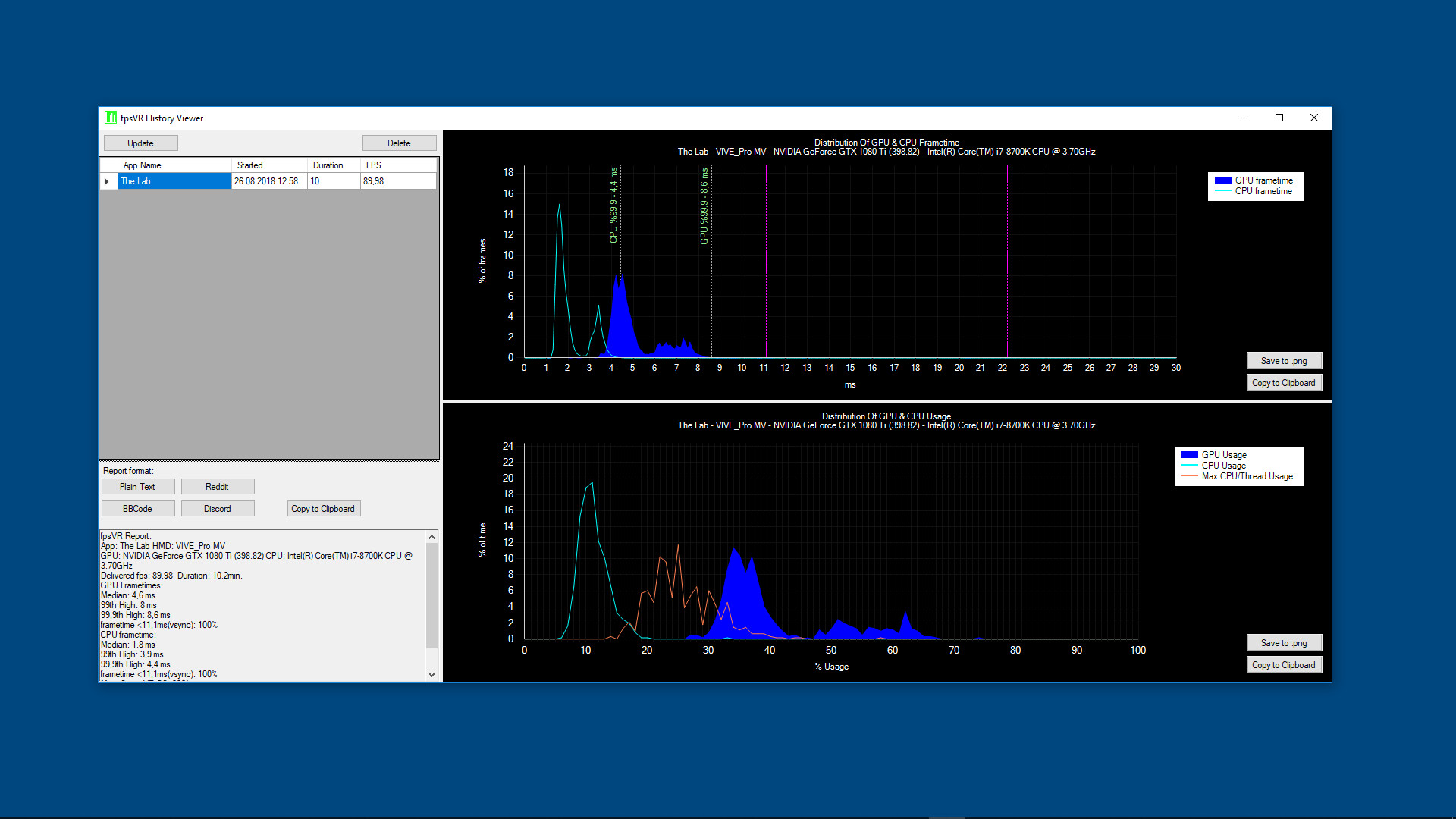
Utility for SteamVR for keeping track of FPS, frame time and other performance metrics in the in-game overlay. Easily change SteamVR settings in the fpsVR settings overlay in the SteamVR dashboard. Headset cable twist tracking and other useful features. Features include: Display of the current FPS and the average FPS for VR session Display of the GPU & CPU usage (and Max CPU/Thread Usage - the maximum instantaneous usage among all threads/cores in the system) Display of the GPU MEM & RAM usage Display of the GPU & CPU frametimes Display of the GPU temperature and CPU temperature (Experimental feature) Display of the Ratio of reprojected frames to presented frames, Display of the number of dropped frames Display of the current time and duration of the VR session Display the batteries charge of the controllers (and Vive trackers) in percentages. Ability to set default playback and record devices, ability to mute/unmute the microphone using VR headset proximity sensor, ability to change Steam VR audio settings SteamVR Supersampling settings & Motion Smoothing settings Сable tracking feature. Display the status of the microphone, microphone control: mute / unmute Ability to change the size and the opacity of the overlay window, Ability to attach the overlay window to the controllers, Ability to hide the overlay window Center marker - displays a marker that represents the center of the playspace. Ability to attach the overlay window for seated positions in seated games/apps (for auto/flight-sims) Automatically start fpsVR when SteamVR starts (optional), Automatically minimize the window after start (optional) Hide the window to Windows tray in minimized state (optional) Ability to reset statistics at any time for benchmarking/testing Ability to save the history of VR sessions and view it in the fpsVR History Viewer (included) Timer, Alarm. For more information, see the forum topic 'fpsVR Q&A'
Description
Supported VR headsets and APIs About supported headsets and APIs see forum topic 'fpsVR Q&A' Please read before buying! About the Software Utility for SteamVR for keeping track of FPS, frame time and other performance metrics in the in-game overlay. Easily change SteamVR settings in the fpsVR settings overlay in the SteamVR dashboard. Headset cable twist tracking and other useful features. Features include: Display of the current FPS and the average FPS for VR session Display of the GPU & CPU usage (and Max CPU/Thread Usage - the maximum instantaneous usage among all threads/cores in the system) Display of the GPU MEM & RAM usage Display of the GPU & CPU frametimes Display of the GPU temperature and CPU temperature (Experimental feature) Display of the Ratio of reprojected frames to presented frames, Display of the number of dropped frames Display of the current time and duration of the VR session Display the batteries charge of the controllers (and Vive trackers) in percentages. Ability to set default playback and record devices, ability to mute/unmute the microphone using VR headset proximity sensor, ability to change Steam VR audio settings SteamVR Supersampling settings & Motion Smoothing settings Сable tracking feature. Display the status of the microphone, microphone control: mute / unmute Ability to change the size and the opacity of the overlay window, Ability to attach the overlay window to the controllers, Ability to hide the overlay window Center marker - displays a marker that represents the center of the playspace. Ability to attach the overlay window for seated positions in seated games/apps (for auto/flight-sims) Automatically start fpsVR when SteamVR starts (optional), Automatically minimize the window after start (optional) Hide the window to Windows tray in minimized state (optional) Ability to reset statistics at any time for benchmarking/testing Ability to save the history of VR sessions and view it in the fpsVR History Viewer (included) Timer, Alarm. For more information, see the forum topic 'fpsVR Q&A'
Developer
SBSoftLab
Publisher
SBSoftLab
Genres
Indie, Utilities
Categories
Family Sharing, VR Only, Tracked Controller Support, VR Support
Tags
Vectors
Screenshots
About
Audience Clusters
Loading taxonomy...
Audience Discovery
Player communities grouped by game taxonomy. Segments marked Untapped share players but differ in content — audiences you wouldn't find through similar games alone. Lower content similarity = more novel the audience.
Loading audience data...
Similar Games
Loading similar games...